


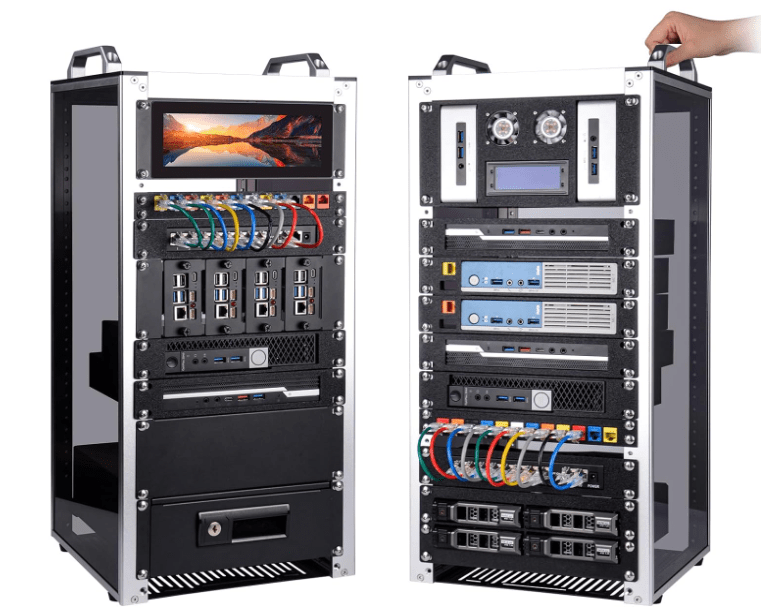
Well, I said I was downsizing, but that doesn’t mean I can’t still have a little fun!
Moving from a house into a townhouse-style apartment has forced me to rethink my entire home network design. While my previous network build focused on maximizing coverage across a larger home, this new deployment is centered around performance, organization, future expansion, and making the most of my 2Gb fiber internet connection.
Over the last few weeks I’ve been planning out the network infrastructure for my new place, and today I finally pulled the trigger on a significant equipment order that will serve as the foundation for the new environment. In other related news, I have begun getting my security system set up, and have all the Nest Cameras and Doorbell figured out, as well as potential placements for my multiple UniFi cameras. As for my smart home setup using my HomeAssistant server, I still need to buy new sensors and such, including temp., humidity, door/window sensors, etc., as I am not sure where I put them during the move. The new place came with a few smart devices, including a thermostat, door lock, and garage opener. I am looking forward to getting this connected to my HomeAssistant ecosystem.
Why the Upgrade?
My ISP currently provides a 2Gb fiber connection, which means it is finally time to move beyond traditional 1Gb networking wherever practical.
Rather than replacing every switch in the environment, I decided to take a hybrid approach. Devices that can benefit from higher throughput will be connected to new 2.5GbE switches, while lower-bandwidth devices will continue utilizing existing gigabit hardware.
This approach keeps costs reasonable while still allowing me to fully utilize my fiber connection and future-proof the network.
The New Hardware
The latest round of purchases includes:
UniFi Network Equipment
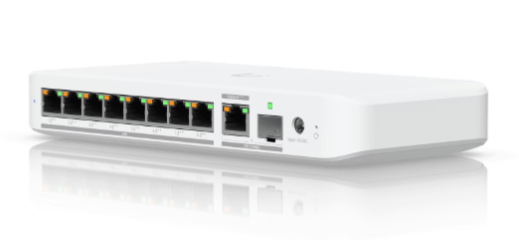
- 2x UniFi Switch Flex 2.5G PoE
- UniFi M.2 SSD Storage Tray for the UniFi Cloud Gateway Max
- 1TB M.2 SSD for the UniFi Cloud Gateway Max
- Additional Cat6 Ethernet cabling in various lengths
Rack and Cooling
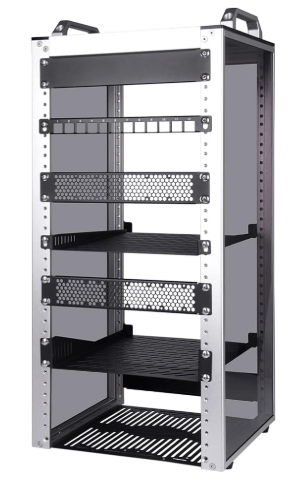
- White DeskPi RackMate T2 Rackmount
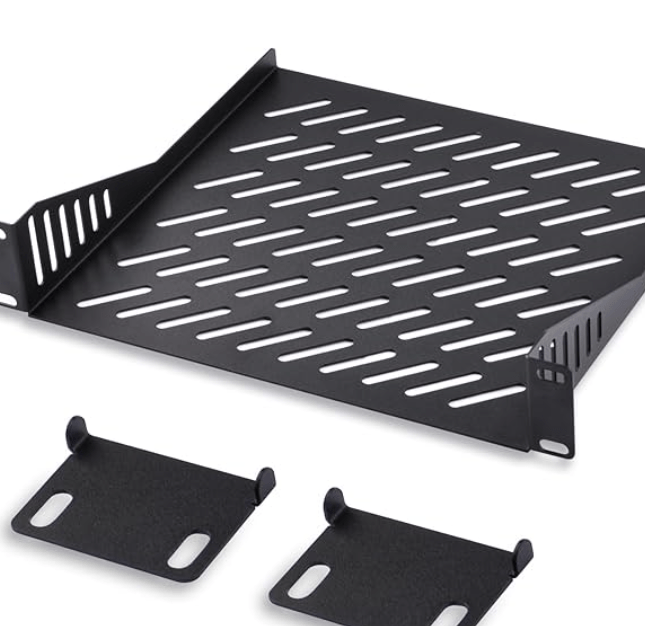
- Two additional rack shelves
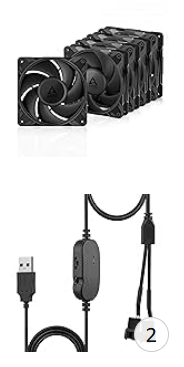
- ARCTIC P12 Pro PST 120mm Fans (5-Pack)
- USB fan power adapters
- Cable management accessories
- Large surge protector/power strips
Smart Home and Security
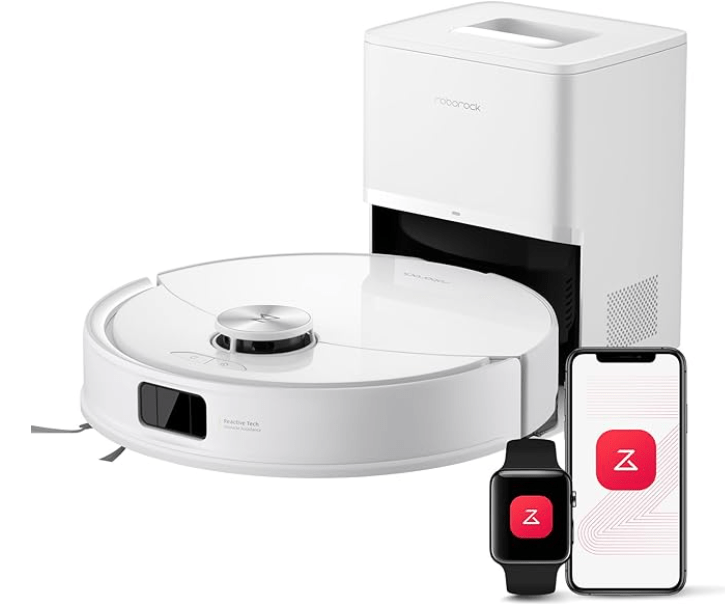
- Roborock Q10 S5+ Robot Vacuum and Mop
- 2x Google Nest Cam Outdoor (Wired, 2nd Generation)
Planned Network Layout
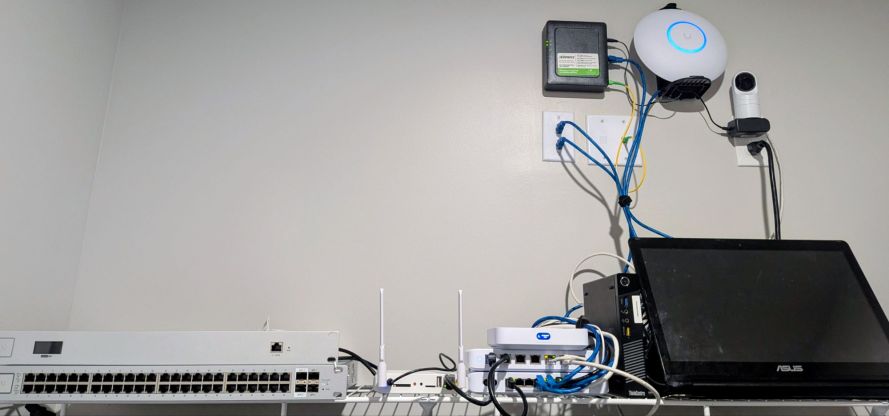
The majority of the networking equipment will be installed inside a new DeskPi RackMate T2 rack located in the master bedroom closet, near the fiber handoff and modem.
This location provides several advantages:
- Easy access to the fiber connection
- Centralized cable management
- Better organization than my current temporary setup
- Room for future expansion
The network topology will look something like this:
Core Network
Fiber Modem
↓
UniFi Cloud Gateway Max
↓
Switch Flex 2.5G PoE (Primary Core Switch)
↓
U7 Pro Access Point
Additional 2.5Gb-capable devices
Future UniFi cameras
High-speed network uplinks
↓
USW Ultra 60W
↓
Home Assistant Server
Smart home hub
Existing cameras
IoT devices
Other gigabit-only equipment
The USW Ultra 60W remains an excellent switch for lower-bandwidth devices, so there is little reason to replace it right now. Most of the equipment attached to it simply does not need multi-gig connectivity.
Living Room Network Expansion
The second Switch Flex 2.5G PoE will be deployed in the living room entertainment center.
This switch will support:
- UniFi E7 Access Point
- Smart TV
- Streaming devices
- Gaming consoles
- Future hardwired UniFi cameras
- Additional 2.5Gb-capable devices
By placing a multi-gig switch in the living room, I can eliminate potential bottlenecks while also providing PoE capabilities for future devices without needing separate injectors.
Office Connectivity
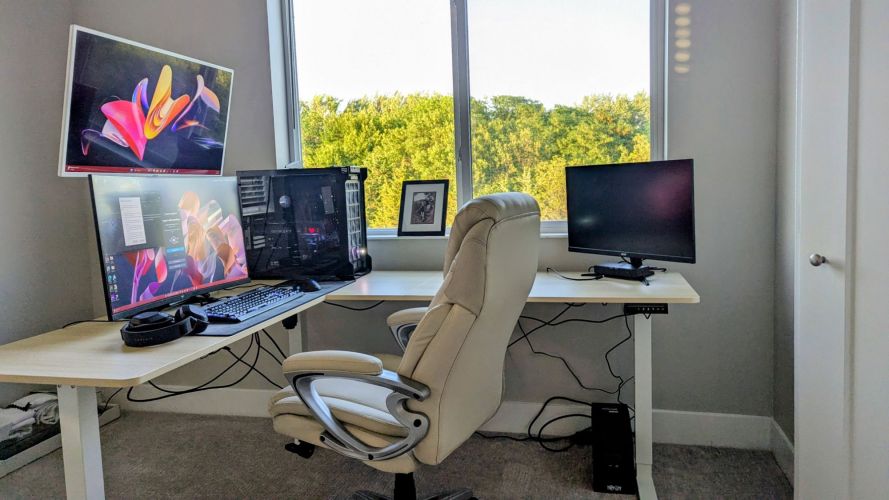
One challenge with the apartment layout is that my office is not currently hardwired.
To solve this problem, I will be repurposing my UniFi Device Bridge (UDB) to provide wireless connectivity to the office.
The UDB will connect back to the main network and feed my primary workstation, allowing me to maintain strong performance without immediately running additional Ethernet cable throughout the apartment.
While hardwired Ethernet is always preferred, the Device Bridge should provide a solid temporary solution until I finalize the long-term layout.

Adding Storage to the Cloud Gateway Max
One upgrade I have been wanting to complete for some time is adding local storage to the UniFi Cloud Gateway Max. I have been using a CloudKey+ for video storage, but want to get away from that aging device.
To accomplish this, I purchased:
- UniFi M.2 SSD tray
- 1TB NVMe SSD
This will allow the gateway to support UniFi Protect storage directly, reducing the need for separate recording hardware while providing room for future camera deployments.
Improving Rack Cooling
One concern with compact racks is heat management.
To help address this, I purchased a five-pack of ARCTIC P12 Pro PST fans along with USB fan adapters.
The plan is to install:
- Two intake/exhaust fans near the bottom of the rack
- Two fans near the top of the rack
- Powered via two, dual 4pin-to-USB connectors
This should create consistent airflow throughout the enclosure while helping keep temperatures under control during the summer months.
The extra fan will remain as a spare.
Security Camera Plans
I also added two Google Nest Cam Outdoor (Wired, 2nd Gen) cameras to the smart home ecosystem.
Planned deployment includes:
Garage Camera
The first camera will monitor the garage area and provide additional visibility around vehicle parking and storage.
Child’s Room Camera
The second camera will be used in my child’s room for monitoring and safety purposes.
While I continue transitioning portions of the environment toward UniFi Protect, the Nest ecosystem remains a convenient option for certain use cases.
Smart Home Addition
Not everything I purchased was networking-related.
To help keep the apartment clean after the move and all of these projects are complete, I also picked up a Roborock Q10 S5+ robot vacuum and mop.
Between unpacking, assembling furniture, mounting equipment, running cables, and setting up the rack, there is already plenty of dust and debris accumulating. Automating floor cleaning seemed like an easy win.
Access Point Placement Still Under Evaluation
One area I am still testing is wireless access point placement.
My current plan is:
- U7 Pro mounted above the rack in the master bedroom closet area
- E7 deployed somewhere in the living room
However, apartment construction materials, wall layouts, and furniture placement can all impact wireless performance. Before permanently mounting everything, I intend to perform coverage testing and evaluate signal strength throughout the apartment.
The goal is to achieve full Wi-Fi coverage while taking advantage of the 2Gb fiber connection and minimizing dead spots.
Final Thoughts
This build represents a major step toward rebuilding my home lab and network after moving into the new apartment.
By introducing 2.5GbE switching, adding storage to the Cloud Gateway Max, improving rack cooling, centralizing equipment into a dedicated rack, and expanding smart home functionality, the new environment should provide a cleaner and more scalable foundation than my temporary setup.
There is still work ahead—including final access point placement, cable routing, rack assembly, and camera installation—but the core design is finally coming together.
Stay tuned for future updates once the DeskPi RackMate T2 is assembled and the entire network is migrated into its new home. I will also be reviewing each of these new additions in separate posts! Wish me luck!
Categories: Networks


