


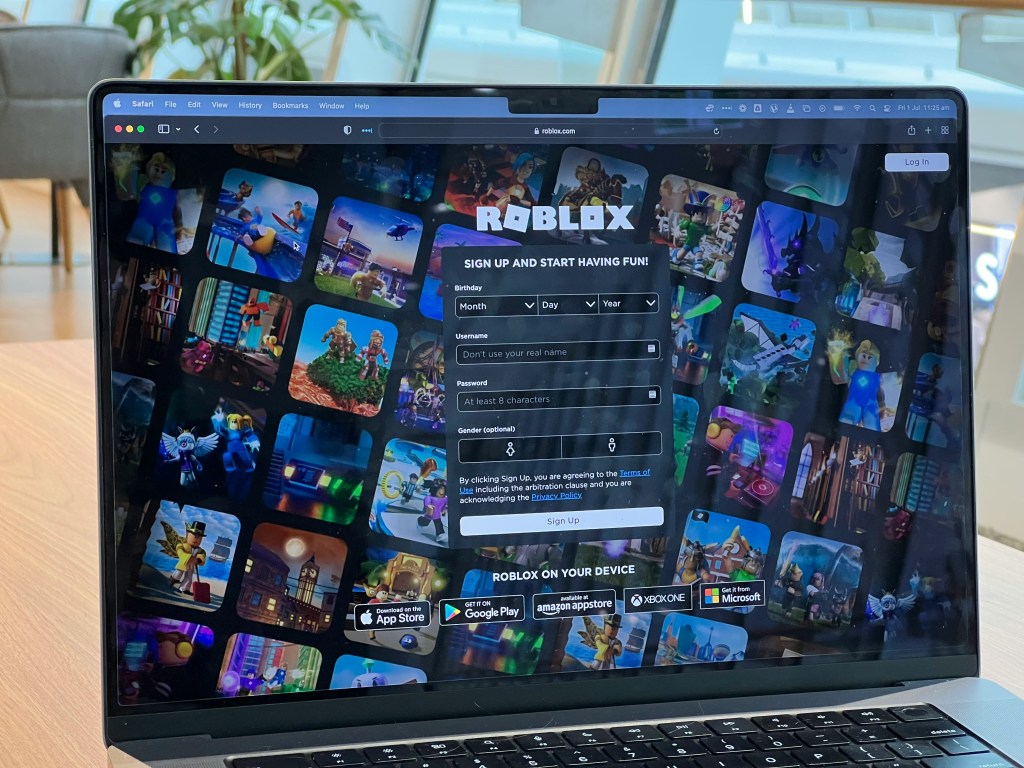
I spend a significant portion of my professional life securing enterprise environments, managing access controls, and trying to prevent people from doing things they probably shouldn’t be doing. Apparently, that experience is also useful when raising a seven-year-old who loves Roblox.
My son, Dean, plays Roblox on his iPad. Like millions of other children, he enjoys exploring different games, customizing characters, and discovering whatever new experience has become popular that week. He also likes spending Robux, its in-game currency (don’t as me how much I have spent so far).
As a parent, I’m happy he has something he enjoys. As someone who has spent years working in cybersecurity, however, the idea of my seven-year-old interacting with strangers through an online gaming platform raises a few questions.
Who can communicate with him? What prevents an adult from pretending to be a child? How reliable is Roblox’s facial age verification? And how much protection do the platform’s parental controls actually provide?
Roblox has introduced significant changes to its safety systems, including facial age estimation, age-based communication restrictions, and expanded parental controls. These improvements deserve recognition, but they also raise important questions about privacy, identity verification, and the limitations of automated security systems.
Let’s examine how Roblox handles these issues and, more importantly, what parents can do to make the platform safer.
Roblox Is More Than a Video Game
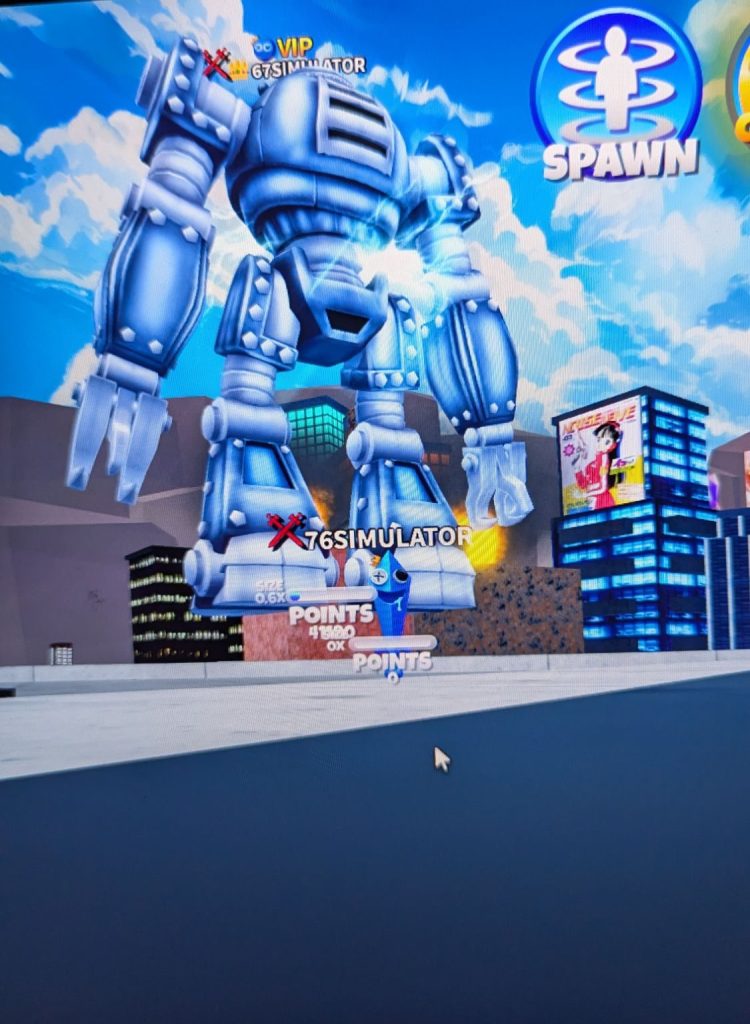
One of the first things parents should understand is that Roblox isn’t a traditional video game. It’s an online platform containing a massive collection of user-created experiences.
Some experiences are relatively straightforward, featuring obstacle courses, racing games, or building activities. Others involve complex social environments where players interact, communicate, exchange virtual items, and establish relationships.
This distinction matters because the security concerns extend beyond the content of individual games.
A child might be playing a perfectly age-appropriate game while interacting with another player whose intentions are considerably less appropriate.
The primary concerns include unwanted communication, social engineering, exposure to inappropriate content, account compromise, financial manipulation, and attempts to move conversations to less-moderated platforms.
None of these threats is unique to Roblox. They exist throughout online gaming and social media. However, Roblox’s popularity among younger children makes these concerns particularly relevant.
Roblox’s Facial Age Verification: How Does It Work?

One of Roblox’s most interesting security developments is its age-assurance system.
Rather than relying exclusively on a user entering their birthday, Roblox can use facial age estimation to place users into age categories.
The system uses a camera to capture facial imagery, which is analyzed to estimate the user’s age. Roblox currently identifies the following age-estimation groups:
- Ages 5–8
- Ages 9–12
- Ages 13–15
- Ages 16–17
- Ages 18–20
- Ages 21 and older
Roblox partners with Persona, a third-party identity verification provider, to perform facial age estimation.
According to Roblox, facial images and videos used for age estimation are deleted after processing, and Roblox does not receive or store the biometric data generated by that process.
Users who are at least 13 may also be eligible to verify their age using a government-issued photo ID.
The distinction between these methods is important. Facial age estimation attempts to determine how old someone appears to be, while government-ID verification checks a document and whether the person presenting it matches that document.
Neither process should be confused with a guarantee that every interaction on the platform is safe.
Roblox also uses age-based account types. Roblox Kids generally serves children ages 5–8, Roblox Select serves ages 9–15, and the standard Roblox experience serves older users. Access to games and communication features varies by age, region, verification status, and parental permissions.
For younger children, chat is disabled by default, with parental authorization required for eligible communication features.
Note: Tried it myself when setting up my account, and it successfully placed me in the older group, preventing access to direct chat with younger children. I wasn’t able to talk to him either, but haven’t tried testing it out now that I added his account to mine as a parent account.
Can Roblox’s Age Verification Be Bypassed?
From a cybersecurity perspective, this is where things become interesting.
Facial age estimation is a form of age assurance, but it is not an infallible identity control.
The fundamental problem is that estimating someone’s age and establishing someone’s identity are two different security objectives.
Consider a few potential weaknesses.
Age-estimation inaccuracies: Facial age estimation relies on algorithms interpreting facial features. People do not all look their age, and an automated system can produce incorrect classifications. Roblox provides mechanisms for reviewing or correcting age information, which itself demonstrates that estimation is not perfectly reliable.
Another person completing verification: A fundamental threat to age-assurance systems is the possibility of someone other than the intended account holder participating in verification. Whether a particular attempt succeeds depends on the platform’s implementation, anti-spoofing technology, and additional checks. There is no basis for assuming that simply presenting another person’s face will successfully defeat Roblox’s system.
Note: I actually tried this with Dean’s face to be able to be placed in games with him (didn’t need to actually do this), and it didn’t seem to like the switch, almost like the camera was still on after closing the window, which is creepy enough.
Account sharing: Even if the person who completes verification is genuinely the appropriate age, the platform must still contend with someone else subsequently accessing that account. This is an authentication and account-control problem, not simply an age-estimation problem.
Social engineering: An age-checked account does not establish that its owner is trustworthy. A person can still misrepresent their intentions, build trust through ordinary gameplay, or attempt to persuade another user to communicate outside Roblox.
Compromised accounts: An attacker who gains access to an existing account may inherit its permissions and apparent credibility. Age assurance cannot substitute for account security.
These are threat-model considerations, not demonstrations of successful exploits against Roblox’s current verification technology.
Modern verification systems can incorporate liveness detection, document checks, anomaly detection, and repeated verification requests. Roblox states that users may be asked to complete additional checks when discrepancies are detected.
The takeaway is straightforward: age verification reduces certain risks, but it should never be the only security boundary protecting a child.
In enterprise security, we wouldn’t grant unrestricted access to a system simply because someone passed a single identity check. Children’s online accounts deserve the same layered approach.
Voice Chat: Does a Seven-Year-Old Really Need It?
Personally, this is one of the areas that concerns me most.
Text communication presents risks, but voice chat introduces an additional dimension. Conversations happen in real time, potentially making it easier to establish familiarity, pressure someone into responding, or obtain personal information.
Roblox’s communication capabilities depend on the user’s age, account settings, and region.
Its newer controls distinguish between in-game text chat, direct chat, conversations with friends, and voice communication. Some voice features may be available to older children with trusted friends and appropriate permissions, while ordinary in-experience voice chat has different eligibility requirements.
The distinction between regular friends and trusted friends is important. A trusted-friend designation can unlock additional communication privileges, but it is not proof that someone is safe or personally known to the child.
For a young child, I would disable voice communication entirely rather than attempt to manage which strangers are allowed to speak to them.
Parents should also understand that disabling Roblox’s native chat does not necessarily eliminate every possible communication channel. Some creator-developed experiences may include their own communication interfaces, and children may encounter other players through external services.
That’s why reviewing the actual games a child plays remains important.
Configuring Roblox Parental Controls
Fortunately, Roblox provides parents with a fairly comprehensive set of account-management options.
The first step is establishing a parent account and linking it to the child’s account.
Parents can manage these settings through Roblox’s website or mobile application.
1. Link a Parent Account
On the child’s Roblox account, open Settings and navigate to Parental Controls. Select the option to add a parent and follow the verification and linking process.
Roblox requires the parent to establish adult eligibility, which may involve age estimation, a government ID, or a credit card, depending on the available verification flow.
Once linked, parents can manage many restrictions remotely instead of repeatedly accessing the child’s device.
Roblox also offers a Parent mode on supported accounts, although its availability and capabilities may differ from those of a linked parent account.
For families managing multiple devices, I recommend the linked-account approach.
2. Disable Unnecessary Communication
From the parent account, navigate to:
Settings → Parental Controls → Child’s Account → Communication
Review the available controls for in-game chat, direct communication, conversations with friends, and voice communication.
For younger children, my preferred configuration is to disable optional chat and voice features unless there is a specific, supervised reason to enable them.
Parents should pay particular attention to trusted-friend requests, since those relationships can enable additional communication capabilities.
The safest default is not to assume that everyone within a child’s estimated age group is someone the child should communicate with.
3. Restrict Content Maturity
Navigate to:
Parental Controls → Content restrictions → Content maturity
Roblox offers content-maturity levels such as Minimal, Mild, Moderate, and Restricted, subject to account eligibility.
For a seven-year-old, I would begin with the most restrictive suitable setting and expand access only after reviewing individual experiences.
Parents can also block specific games and, where supported, allow selected games that would otherwise be unavailable.
Importantly, content maturity ratings primarily describe the content of an experience. They are not a comprehensive security assessment of every player or interaction inside it.
A game with a low maturity rating can still create opportunities for unwanted social contact.
4. Set Screen Time Limits
Roblox allows parents to establish daily playtime limits and review activity information.
Within Parental Controls, open Screen time and configure the daily limit.
Parents can also review the experiences their children have played most frequently.
I find this particularly useful because a child’s gaming preferences can change quickly. A game that was popular last week may be replaced by something entirely different tomorrow.
Reviewing activity periodically is more practical than assuming the initial configuration will remain sufficient indefinitely.
5. Restrict Spending and Robux Transfers
Robux introduces another security consideration: financial transactions.
Children can be targeted with fake giveaways, account-recovery scams, fraudulent trading offers, and promises of free virtual currency.
Parents can configure monthly spending limits and spending notifications through Roblox’s parental controls.
They should also review Robux transfer permissions, where available, and require approval for transfers.
An important limitation is that Roblox’s spending limits do not necessarily cover every purchasing channel. Gift-card redemptions are excluded, and some console purchases require separate restrictions.
A spending limit is helpful, but it isn’t a substitute for controlling payment methods at the device or platform level.
Securing Roblox on an iPad

Since my son primarily uses an iPad, this is where I would apply another layer of protection.
Apple provides its own parental-control system through Family Sharing and Screen Time.
The important principle here is that Roblox’s controls and Apple’s controls operate at different levels.
Roblox governs activity within the Roblox platform. Apple’s controls govern aspects of the device, application usage, installations, purchases, and other operating-system features.
Using both provides better protection than relying on either independently.
On a child’s iPad, parents should review:
Settings → Screen Time
From there, configure app limits, downtime, content and privacy restrictions, and purchase approvals.
I would also review whether Roblox actually needs microphone access. On an iPad, microphone permissions can be reviewed under Settings → Privacy & Security → Microphone.
Disabling microphone access provides another safeguard against accidental voice transmission, although it does not prevent a child from hearing audio or using communication features that don’t require the microphone.
Parents should also use Apple’s purchase restrictions to prevent unauthorized in-app transactions.
One caveat: Apple’s Screen Time Communication Limits are primarily intended for supported communication services. They should not be assumed to control Roblox’s own in-game chat. That restriction needs to be configured inside Roblox.
Finally, use a child Apple Account rather than allowing a child unrestricted access to an adult’s Apple Account.
What About Windows, Android, Xbox, and PlayStation?

Roblox is available across multiple platforms, and children may move between devices without parents realizing that different security controls apply.
On Windows PCs, parents can use Microsoft Family Safety to manage screen time, application restrictions, and family account permissions. A standard, non-administrator Windows account also helps prevent unauthorized system changes.
On Android tablets and phones, Google Family Link can provide app management, screen-time controls, and purchase oversight, depending on the device and account configuration.
On Xbox, Microsoft family settings provide additional controls over purchases, multiplayer participation, and communication. Roblox’s own spending limits do not necessarily apply to purchases made through Xbox, so console-level purchase restrictions are especially important.
On PlayStation, Sony’s family-management controls provide restrictions for purchases, communication, and playtime. Roblox’s own communication and account settings should still be reviewed separately.
Across all these platforms, the same principle applies: configure restrictions at both the Roblox account level and the device or operating-system level.
And remember that a Roblox account can be accessed from another supported device. Securing one iPad does not automatically prevent a child from signing into the same account elsewhere.
Account Security: Don’t Forget the Basics
Parental controls are only useful if the underlying accounts remain secure.
Parents should protect their own Roblox accounts with strong, unique passwords and enable two-step verification or passkeys where supported.
The child’s account should also have appropriate account-recovery protections.
Never share authentication codes, recovery links, or passwords with other players.
Parents should explain that websites promising free Robux, exclusive items, or account upgrades may be attempts to steal credentials.
This is also an excellent opportunity to introduce children to basic cybersecurity concepts without making the conversation frightening.
For example, I would teach a child that no legitimate Roblox friend needs their password, their home address, their school information, or a code sent to their parent’s phone.
Those rules are simple enough for a young child to understand and valuable enough to remain relevant as they get older.
The Threat That Parental Controls Can’t Completely Eliminate
One of the most important lessons from cybersecurity is that technology cannot eliminate every human risk.
A platform can restrict communications, verify age ranges, monitor inappropriate language, and detect suspicious activity. Those systems can reduce risk significantly.
But they cannot guarantee that another user has good intentions.
An individual might attempt to build trust over time, offer virtual rewards, or persuade a child to continue a conversation on another platform.
Parents should watch for requests involving secrecy, personal information, photographs, external messaging applications, or promises of free virtual currency.
Children should know that they can stop communicating with someone at any time, and that reporting an uncomfortable interaction will not automatically mean losing access to the games they enjoy.
The objective should be to make children comfortable reporting suspicious behavior rather than encouraging them to hide it.
My Recommended Roblox Security Configuration
For a child around seven years old, I would start with the following baseline:
| Security Control | Recommended Configuration |
|---|---|
| Account age | Accurate birthday and age classification |
| Parent account | Linked and verified |
| Voice chat | Disabled |
| In-game text chat | Disabled unless specifically supervised |
| Direct communication | Disabled |
| Trusted friends | Parent-reviewed and limited to known people |
| Content maturity | Minimal, expanding selectively |
| Spending | $0 monthly limit unless purchases are planned |
| Robux transfers | Require parental approval |
| Screen time | Set an age-appropriate daily limit |
| Account security | Unique passwords and supported MFA |
| Device controls | Screen Time, Family Link, or console family restrictions |
| Activity review | Periodically review friends and games played |
Not every option is available for every age group or device, and some restrictions are already enforced by Roblox. Parents should verify the effective settings on their child’s account rather than assuming every control requires manual configuration.
Final Thoughts: Applying Zero Trust to Roblox
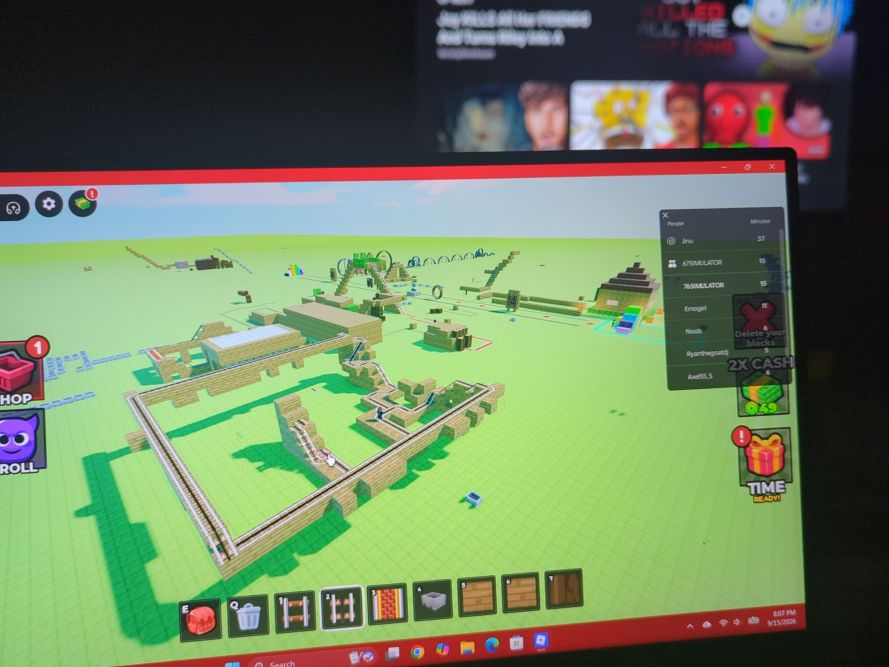
In cybersecurity, Zero Trust is built around the idea that access should not be granted simply because a person or device appears to be inside a trusted environment.
That concept translates surprisingly well to children’s online gaming.
A player being in the same Roblox experience does not make them trustworthy. A verified age range does not establish someone’s intentions. And a game being labeled age-appropriate does not mean every interaction within it will be appropriate.
Roblox has made meaningful investments in age assurance, parental controls, and content restrictions. Those measures can improve safety, but they should be treated as layers of protection rather than absolute guarantees.
As a father, I don’t want to take away something my son enjoys simply because the internet contains risks. I’d rather understand those risks, configure the available protections, and help him develop the awareness he’ll eventually need to navigate online environments independently.
After all, I spend enough time at work securing systems against people trying to bypass access controls.
I’d prefer not to come home and discover that my most persistent penetration tester is a seven-year-old with an iPad and an unlimited supply of Robux requests.
References and Further Reading
- Roblox — Understanding Age Checks
- Roblox — How Facial Age Estimation Works
- Roblox — Parental Controls Overview
- Roblox — Parents and Families
- Roblox — Account Types and Age-Based Access
- Roblox — Managing Screen Time
- Apple — Screen Time and Parental Controls
Categories: Performance/Gaming


