


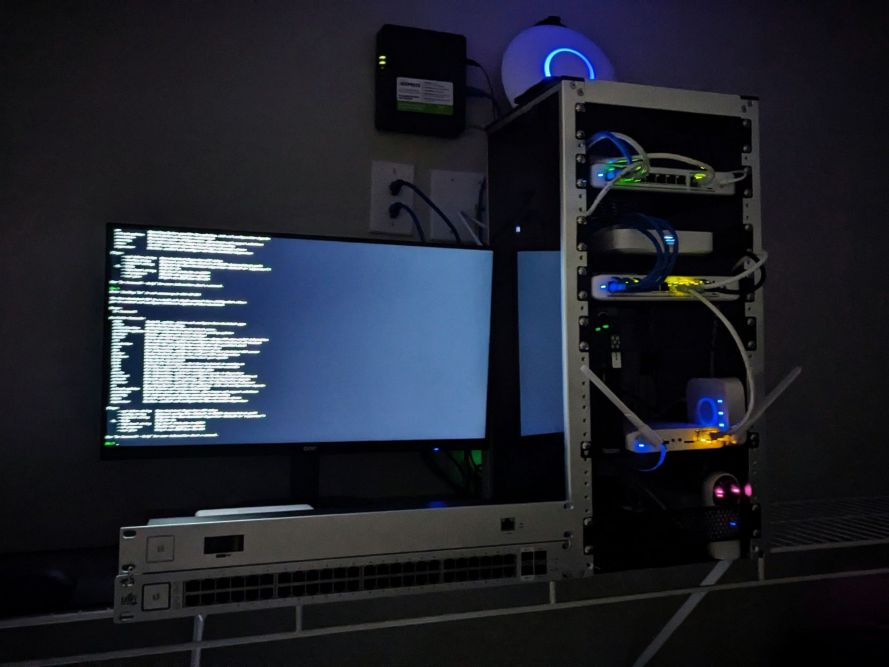
Over the past several months, I’ve been steadily expanding my HomeAssistant environment. Earlier this year, I focused on deploying my first Zigbee sensor network and learning how battery-powered sensors, smart lighting, and local automations could work together inside HomeAssistant. Since then, quite a bit has changed.
Most notably, I’ve moved from a larger home into a 1,589-square-foot apartment and completely redesigned my network infrastructure. My previous setup was built around a larger footprint with multiple access points, longer wireless distances, and a growing collection of smart devices. The move provided an opportunity to simplify the environment while improving reliability, performance, and overall usability.
After downsizing my UniFi network and migrating my HomeAssistant server into the new apartment, I’m now ready to expand the smart home side of the project even further.
What Has Changed Since My Previous Build?
My original HomeAssistant deployment focused primarily on learning the platform, integrating devices, and experimenting with Zigbee sensors. The goal was to establish a foundation for future automation.
The new apartment changes several aspects of the design:
- Smaller physical footprint means shorter Zigbee distances.
- Fewer walls and obstacles improve wireless propagation.
- New UniFi infrastructure provides stronger wireless coverage and easier device management.
- Greater focus on automation and environmental monitoring rather than simply connecting devices.
Instead of building for maximum coverage across a larger home, I can now focus on creating a dense, highly reliable Zigbee mesh that responds quickly and requires minimal maintenance.
New Hardware for the Expansion
To support the next phase of the project, I purchased the following hardware:
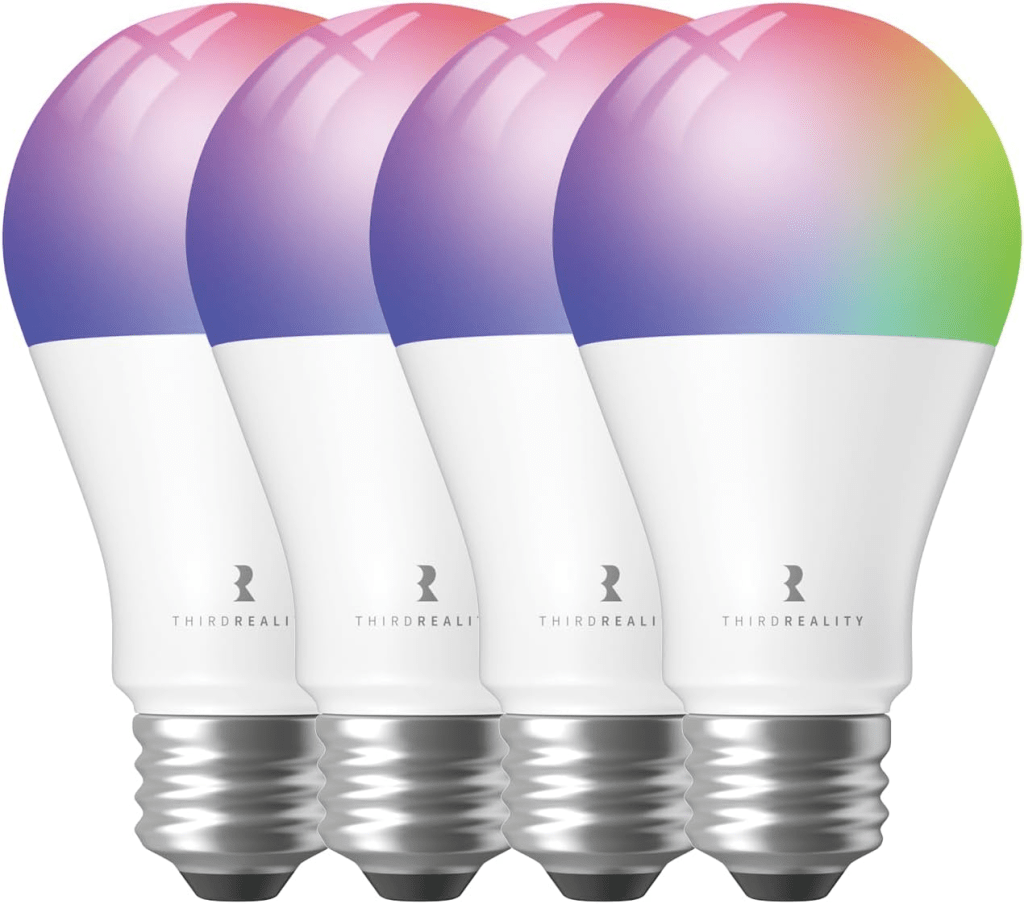
THIRDREALITY Zigbee Smart Color Bulb ZL1 (8-Pack)
These bulbs will serve two purposes. First, they provide RGB lighting capabilities for automations and ambient lighting throughout the apartment. Second, because they are mains-powered Zigbee devices, they function as Zigbee routers and help strengthen the overall mesh network.
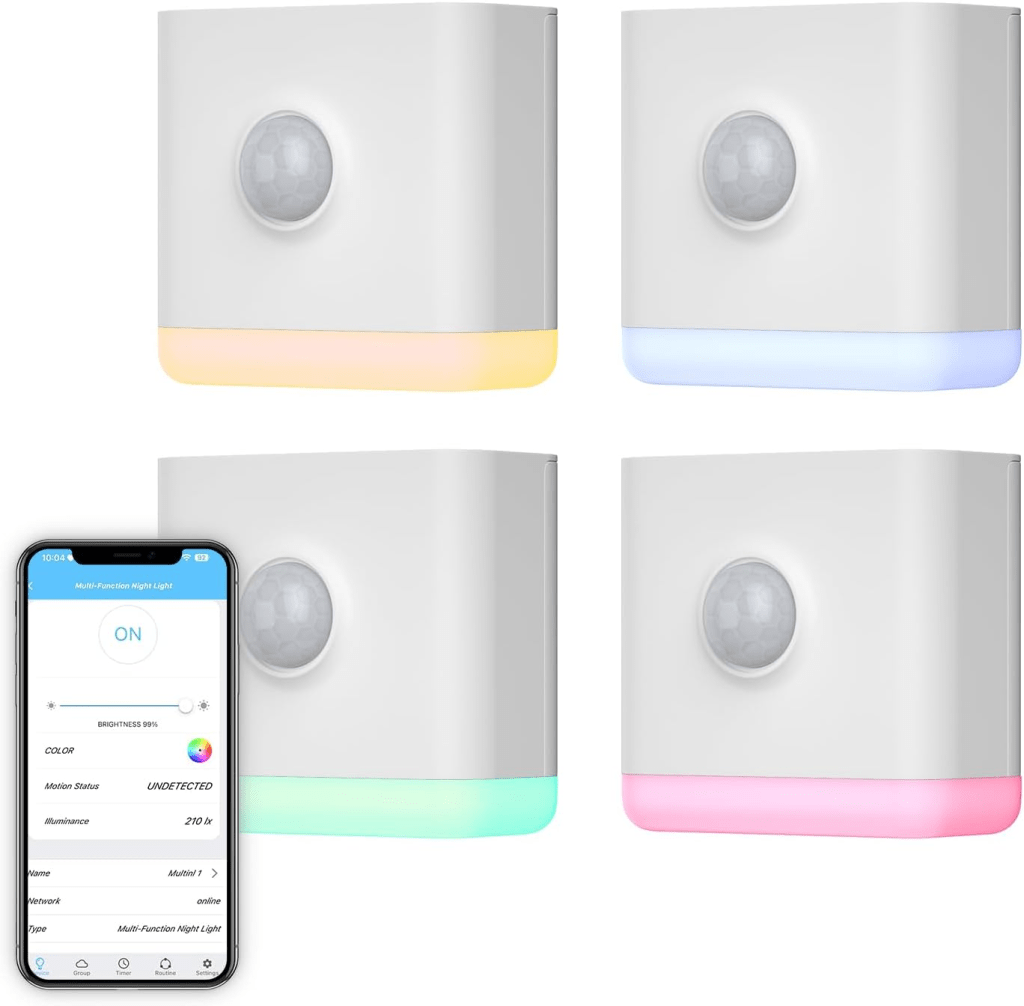
THIRDREALITY Multi-Function RGB Night Lights (4-Pack)
These are some of the more interesting additions. Each unit combines:
- Zigbee repeater functionality
- Motion detection
- Ambient light sensing
- RGB night light features
Because they remain powered at all times, they also contribute to the Zigbee mesh while simultaneously providing useful automation triggers.
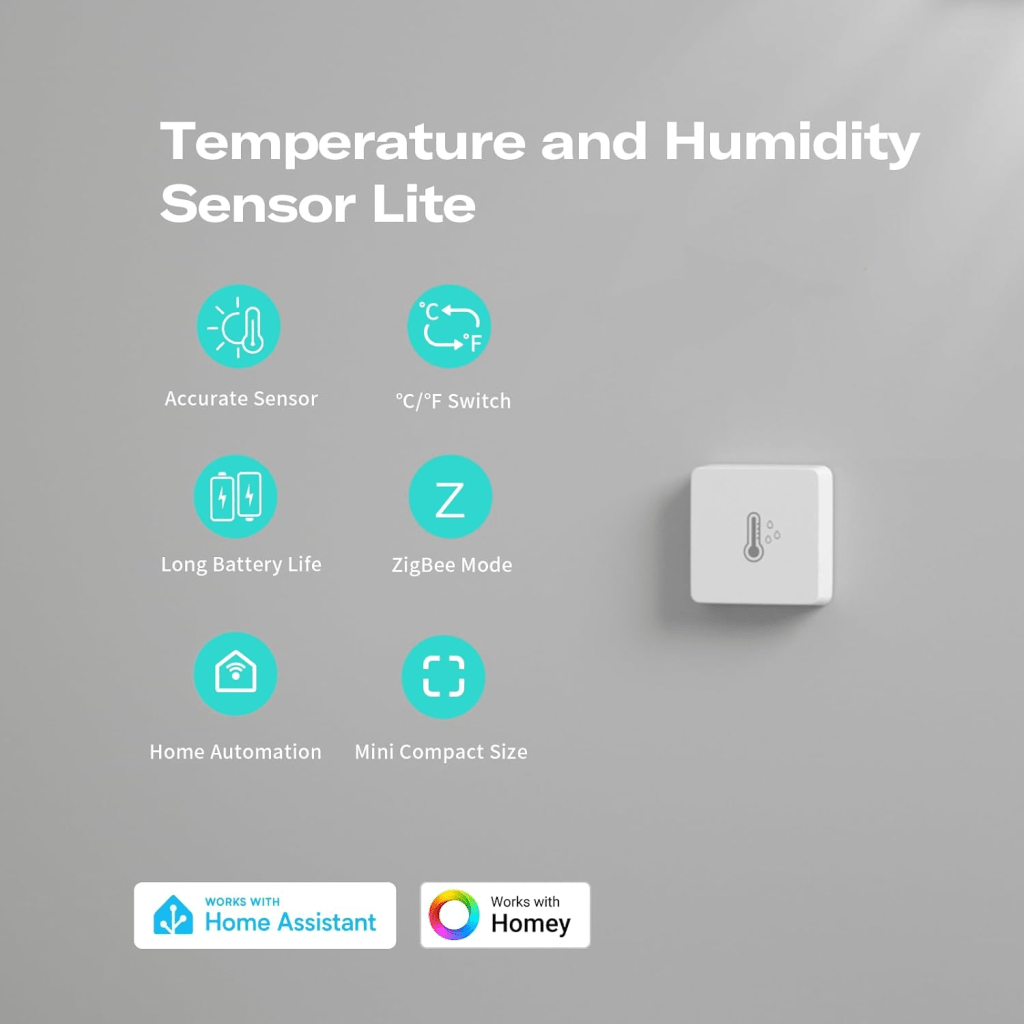
THIRDREALITY Temperature and Humidity Sensors (3-Pack)
Environmental monitoring has become one of my favorite HomeAssistant use cases. These sensors will allow me to monitor:
- Apartment temperature trends
- Humidity levels
- HVAC performance
- Potential comfort issues between rooms
Long-term historical data can also help identify airflow or insulation issues that would otherwise go unnoticed.
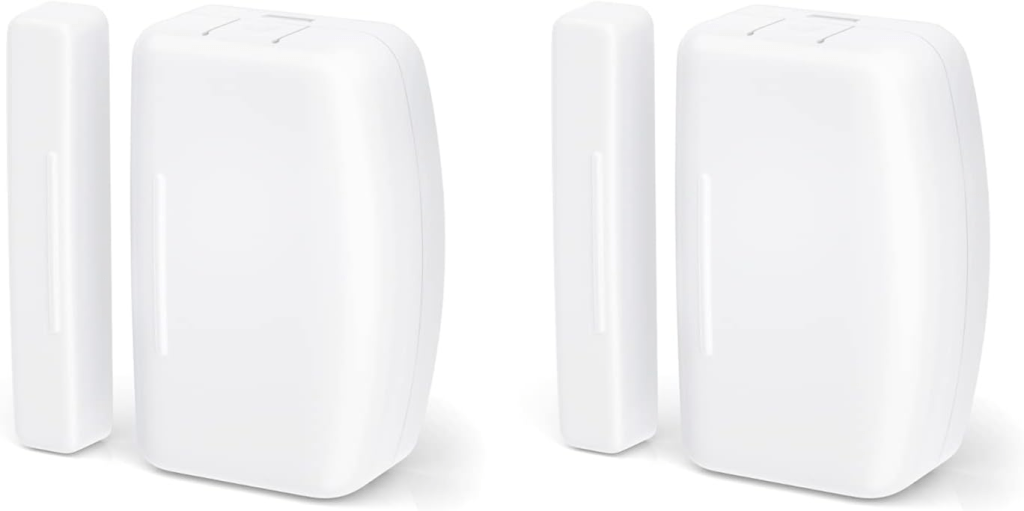
THIRDREALITY Door and Window Sensors (2-Pack)
Simple contact sensors remain one of the most useful smart home devices available. Potential automations include:
- Door-open notifications
- Security alerts
- Occupancy tracking
- Lighting automation triggers
These sensors are inexpensive, reliable, and provide immediate value inside HomeAssistant.
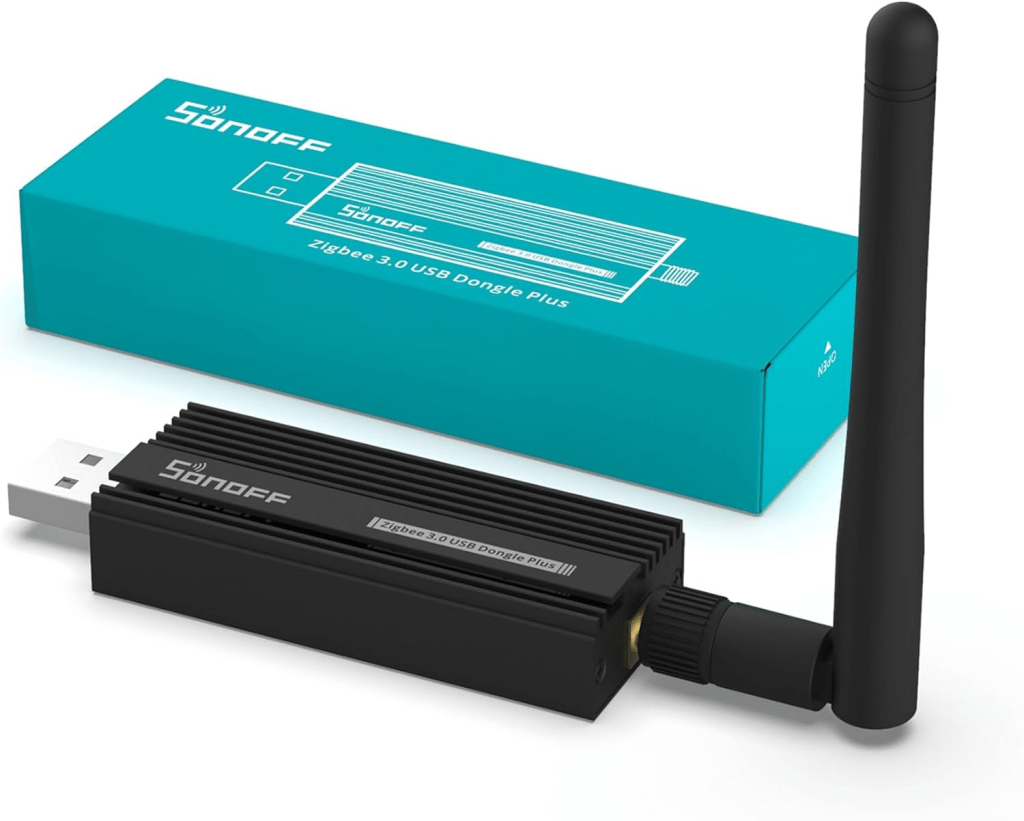
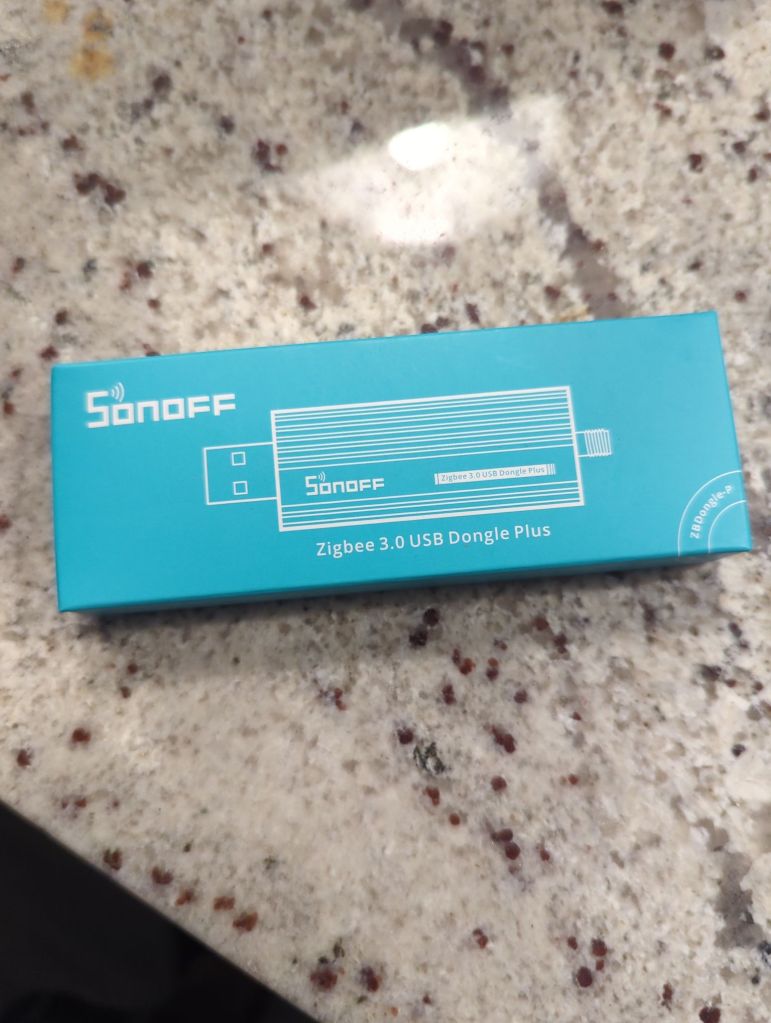
SONOFF Zigbee 3.0 USB Dongle Plus
This device will serve as the Zigbee coordinator for the entire network. The SONOFF coordinator is one of the most commonly recommended options in the HomeAssistant community due to its strong compatibility, stability, and support within both Zigbee2MQTT and HomeAssistant’s native ZHA integration.
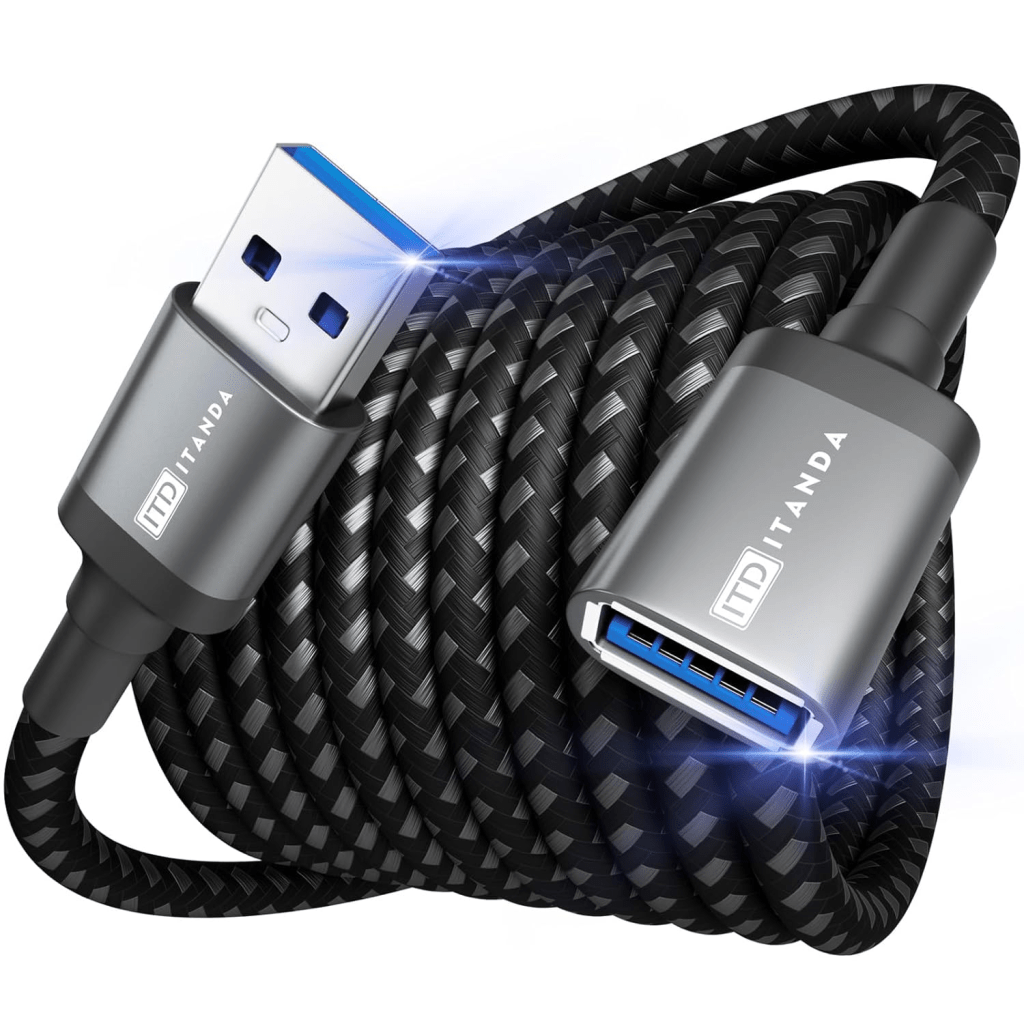
10-Foot USB Extension Cable
This may be the least exciting purchase, but it is arguably one of the most important. USB 3.0 devices and computer hardware can generate interference that negatively impacts Zigbee performance. By placing the coordinator several feet away from the HomeAssistant host, I can significantly improve signal quality and network reliability.
Planned Architecture
One lesson learned from my previous Zigbee deployment is that building the mesh correctly from the beginning prevents many headaches later. The deployment plan is straightforward:
- Install the SONOFF coordinator.
- Position it away from the server and networking equipment.
- Deploy all powered Zigbee devices first.
- Allow the mesh to stabilize.
- Add battery-powered sensors afterward.
The smart bulbs and multifunction night lights will become the backbone of the Zigbee mesh, creating multiple routing paths throughout the apartment before any sensors are introduced.
Integrating with My UniFi Network
One of the advantages of the new apartment build is the redesigned network architecture. My environment now includes:
- UniFi Cloud Gateway Max
- UniFi E7 access point
- UniFi U7 Pro access point
- Dedicated IoT wireless networks
- 2 Gigabit fiber internet
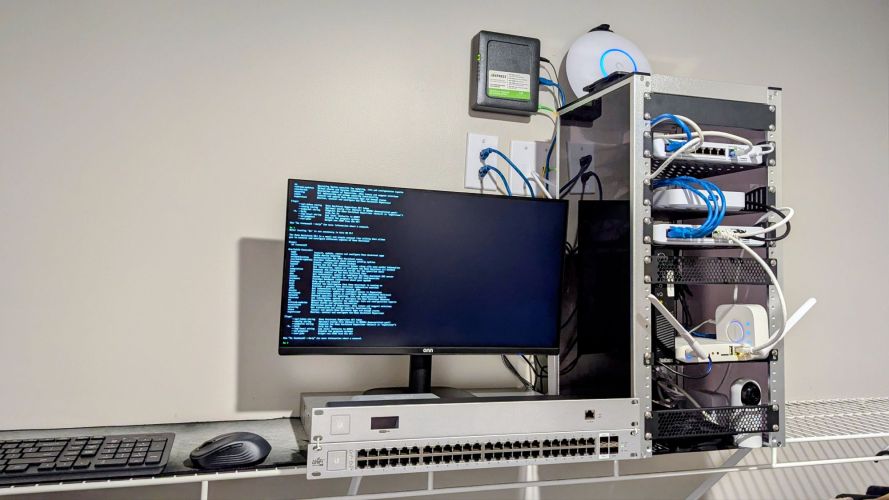
Although Zigbee does not use Wi-Fi, both technologies operate within portions of the 2.4 GHz spectrum. Proper channel planning and device placement remain important to minimize interference. The goal is to keep the Zigbee coordinator positioned away from major wireless equipment while maintaining a central location within the apartment. Given the smaller floorplan, I expect Zigbee coverage to be substantially better than what I experienced in previous deployments.
Planned Automations
While the hardware itself is important, automation is where HomeAssistant really shines. Some of the automations I plan to implement include:
Motion-Based Lighting
Motion sensors can automatically illuminate hallways, bathrooms, or common areas during evening hours while remaining inactive during the day.
Environmental Monitoring
Temperature and humidity sensors will provide visibility into apartment conditions and could eventually trigger HVAC-related notifications.
Entry Notifications
Door sensors can notify me when entry doors open or close and provide a simple security layer when away from home.
Smart Night Lighting
The RGB night lights provide opportunities for low-level nighttime illumination without requiring full room lighting.
Occupancy Awareness
Combining motion, door, and environmental sensors can provide surprisingly accurate room occupancy information for future automations.
Areas for Future Expansion
This deployment is intentionally focused on creating a strong foundation rather than immediately filling every room with devices. Future upgrades may include:
- Additional contact sensors
- Water leak detection sensors
- Smart plugs with power monitoring
- Additional Zigbee lighting
- Presence detection technologies
- Automated HVAC controls
- Energy monitoring
The goal is to continue building a local-first smart home platform that remains functional even when internet connectivity is unavailable.
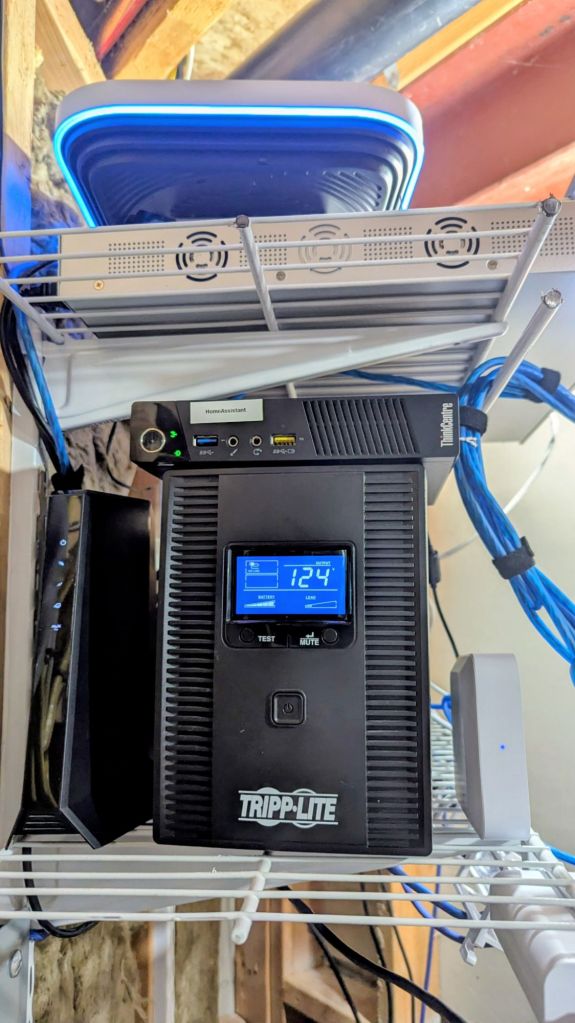
Current Equipment
Internet & Core Network
- ISP: Great Plains Communications 2 Gbps Fiber
- ONT (provider-supplied fiber termination)
- UniFi Cloud Gateway Max
- UniFi U7 Pro (2.4G)
- UniFi E7 (5/6G)
- UniFi UDB (office connectivity, MILO)
- UniFi USW-Ultra-60W (currently unused)
- UniFi US-48-500W (currently unused)
- UniFi Cloud Key Plus with rack mount (currently unused)
- Various UniFi devices (currently unused)
HomeAssistant Server
- Lenovo Small Form Factor PC
- HomeAssistant OS
- External 5TB USB storage drive
- USB wireless keyboard for management
Existing Smart Home Devices
Cameras
- 5 Google Nest Cameras
- 2 UniFi Cameras
Smart Lighting
- Philips Hue bulbs and accessories (existing deployment)
Voice Assistants
- Amazon Alexa integration
- Google Home / Google Assistant integration
New Zigbee Hardware Purchased Today
Zigbee Coordinator
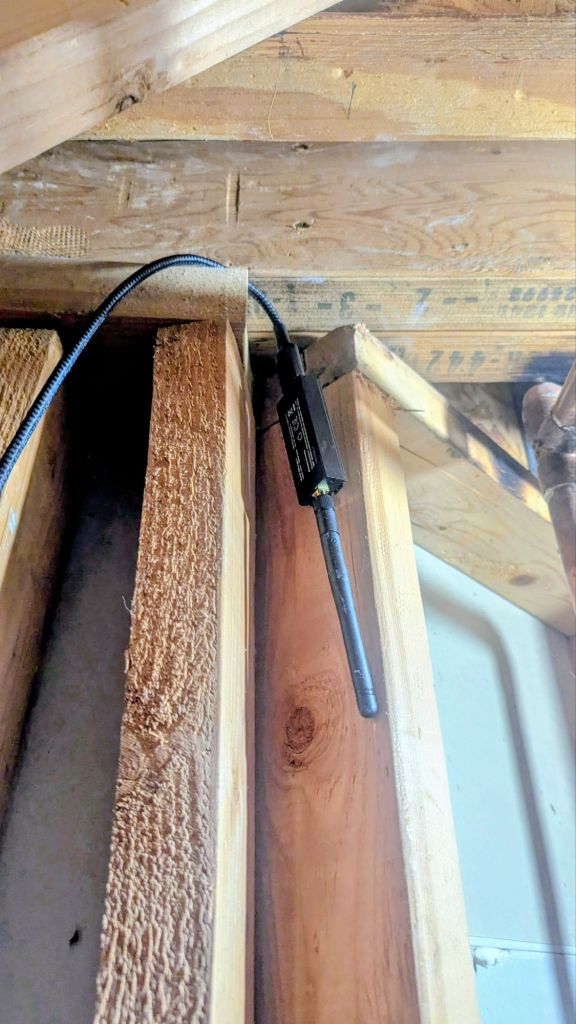
- SONOFF Zigbee 3.0 USB Dongle Plus
- ITD ITANDA 10ft USB 3.0 Extension Cable
Zigbee Lighting
- THIRDREALITY Zigbee Smart Color Bulb ZL1
Zigbee Routers / Motion Sensors
- THIRDREALITY Multi-Function RGB Night Light (4-Pack)
Environmental Sensors
- THIRDREALITY Temperature & Humidity Sensor
Security Sensors
- THIRDREALITY Door/Window Sensor
Planned Zigbee Mesh Layout
Zigbee Routers (Always Powered)
- 8 × THIRDREALITY Smart Bulbs
- 4 × THIRDREALITY RGB Night Lights
Total Zigbee Routers: 12
Battery Devices
- 3 × Temperature/Humidity Sensors
- 2 × Door/Window Sensors
Total Battery Sensors: 5
Coordinator
- 1 × SONOFF Zigbee Dongle
Total Initial Zigbee Devices: 18
Final Thoughts
What started as a simple HomeAssistant server has gradually evolved into a fully integrated smart home platform.
The move into a smaller apartment presented an opportunity to redesign both my network and smart home infrastructure from the ground up. By combining HomeAssistant, UniFi networking, Zigbee sensors, and local automation, I’m aiming to build a system that is fast, reliable, privacy-focused, and highly customizable.
The hardware has been ordered, the HomeAssistant server is ready, and deployment will begin soon. Once everything is installed and tuned, I’ll publish a follow-up article covering real-world performance, lessons learned, and whether these THIRDREALITY devices live up to expectations.
The Install
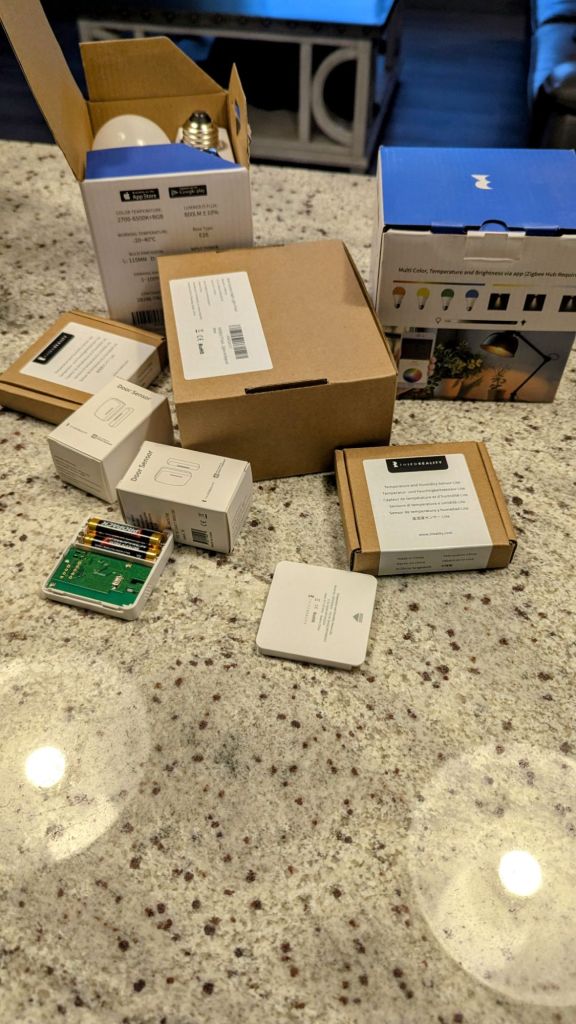
Last night, all of the packages arrived and I got most of everything installed. I started off throwing the Zigbee USB dongle into the USB extender, and installed it into the back USB 2.0 port on my HomeAssistant server (3.0 can cause issues), and currently the dongle is just resting nearby (I will get it mounted further away and higher up soon). Since I will only be in this apartment for a year until I find a good house (not many in the market and the one I put an offer on had a bad home inspection), I opted to not mount any of the door or temp sensors and merely placed them on flat surfaces.
I had just enough bulbs to replace all normal-sized lights with the THIRDREALITY variants (4 small lamps, 1 large lamp, and 3 bar lights in the kitchen) and installed the 4 RGB light plugs in the main hallway, illuminating the floor as it can get tricky walking through the house when it is dark. These RBG light plugs also serve as motion sensors and network repeaters, providing excellent security and coverage, as well as opening up opportunities for automations based on movement (for example, powering on based on movement, and through that, turning on various lights, thermostat changes, and sending an alert to my phone when movement is detected while I am not home (based on my phone’s location)).
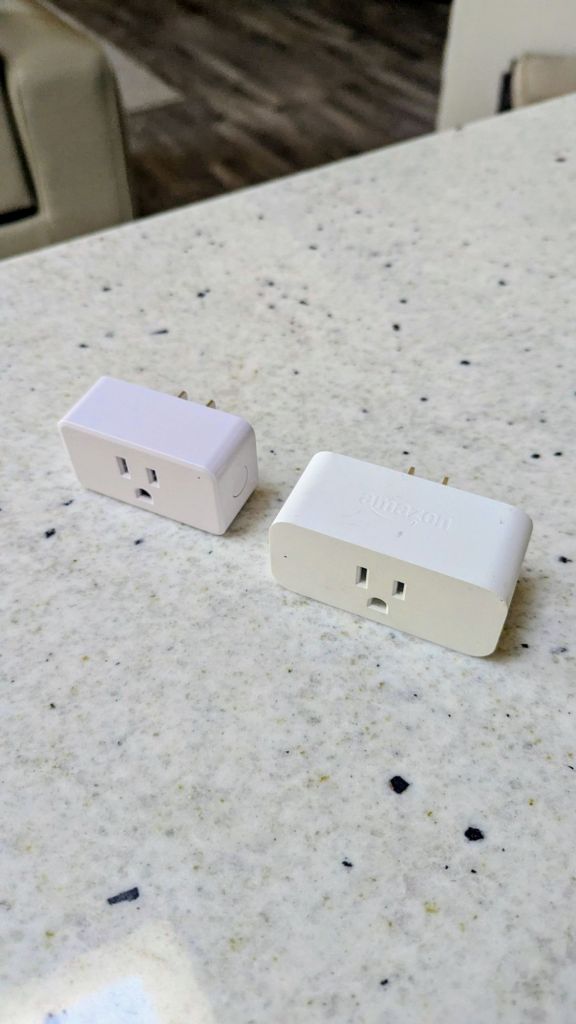
For the temp/humidity sensors, I placed one in the living room, master bedroom, and main hallway, trying to separate them as far as possible in different corners of the overall floorplan to better gauge temperature and humidity. I also found some of my old sensors, a motion detector and a smart plug, which will probably end up in my garage (motion) and my rack (smart plug, allowing quick restarts of my network equipment and the ability to track power consumption). The location of rest of my old Zigbee network equipment is currently a mystery, but hopefully I will find it all eventually!
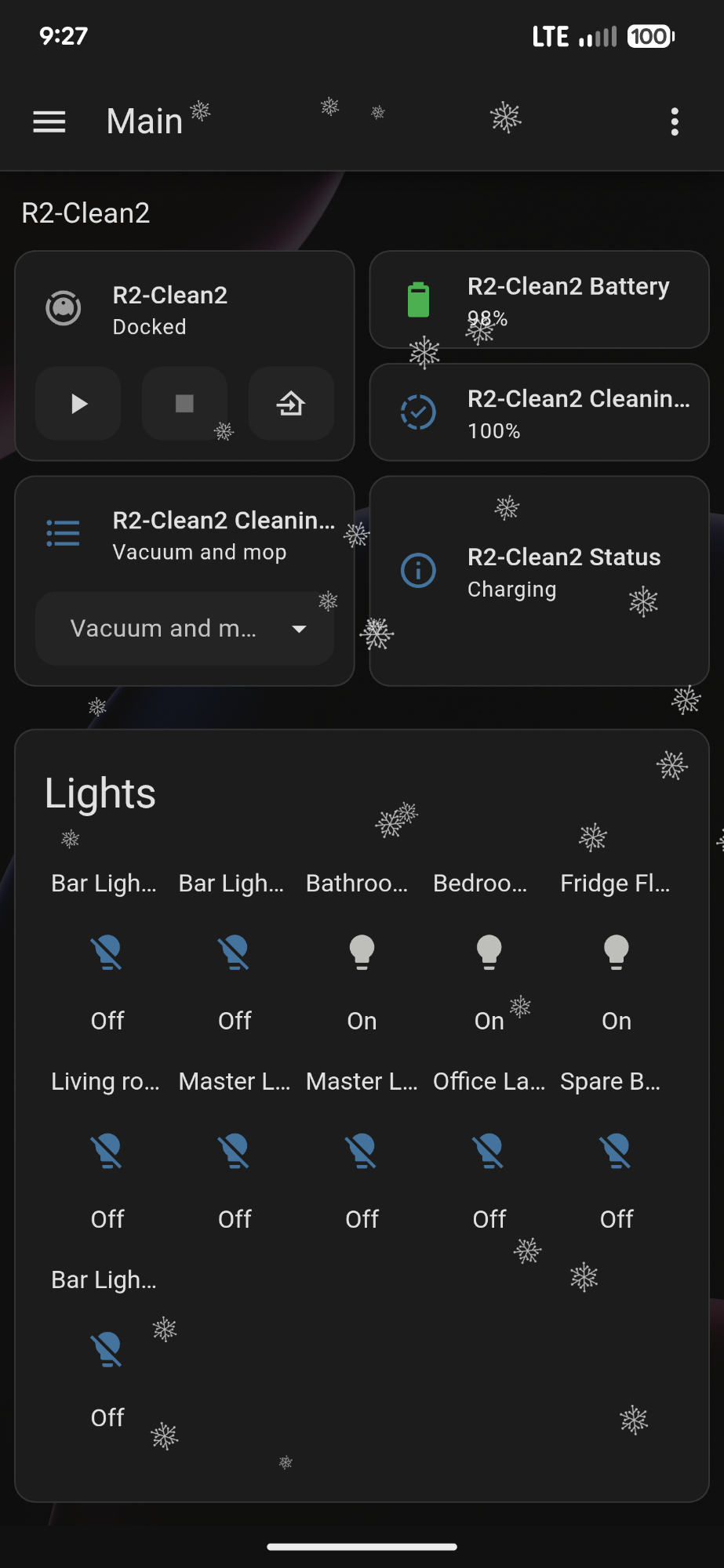
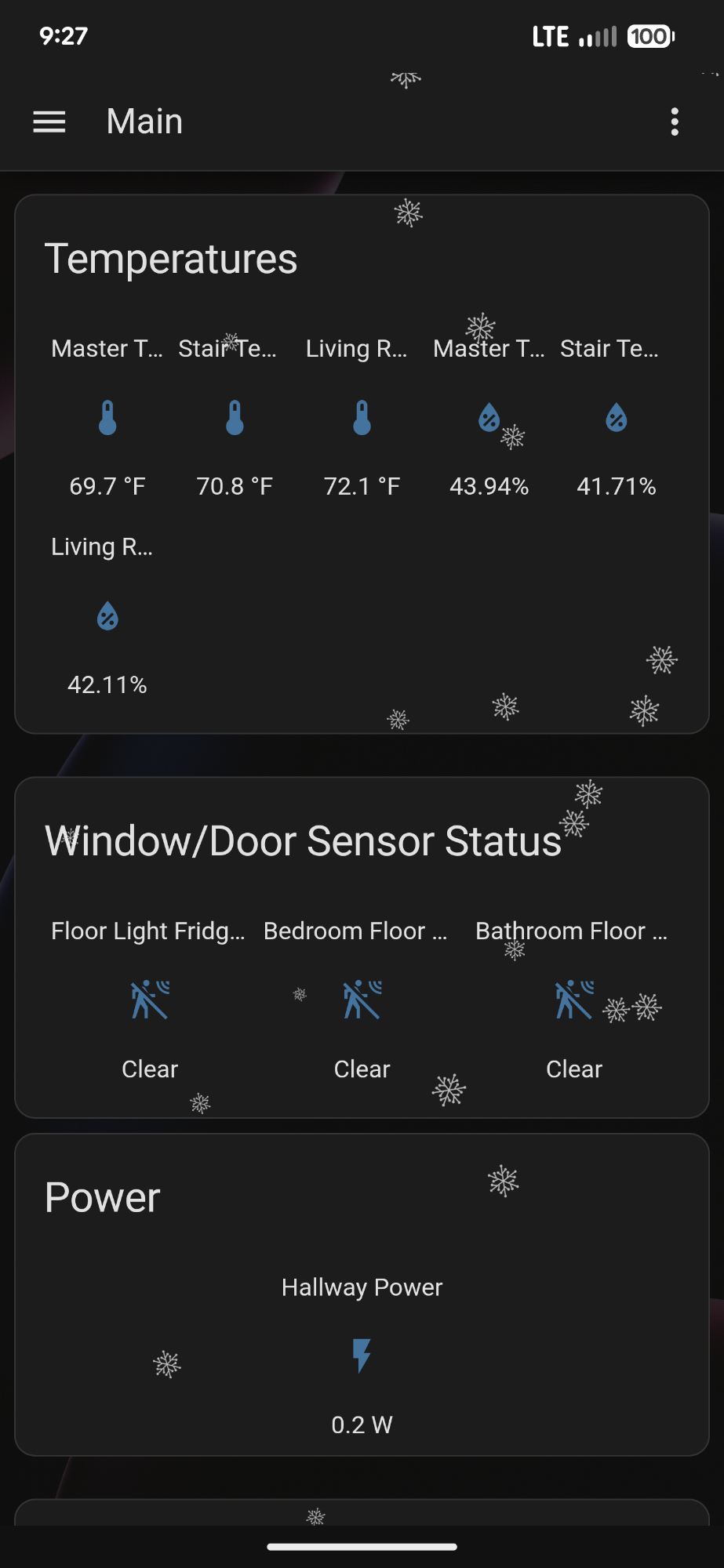
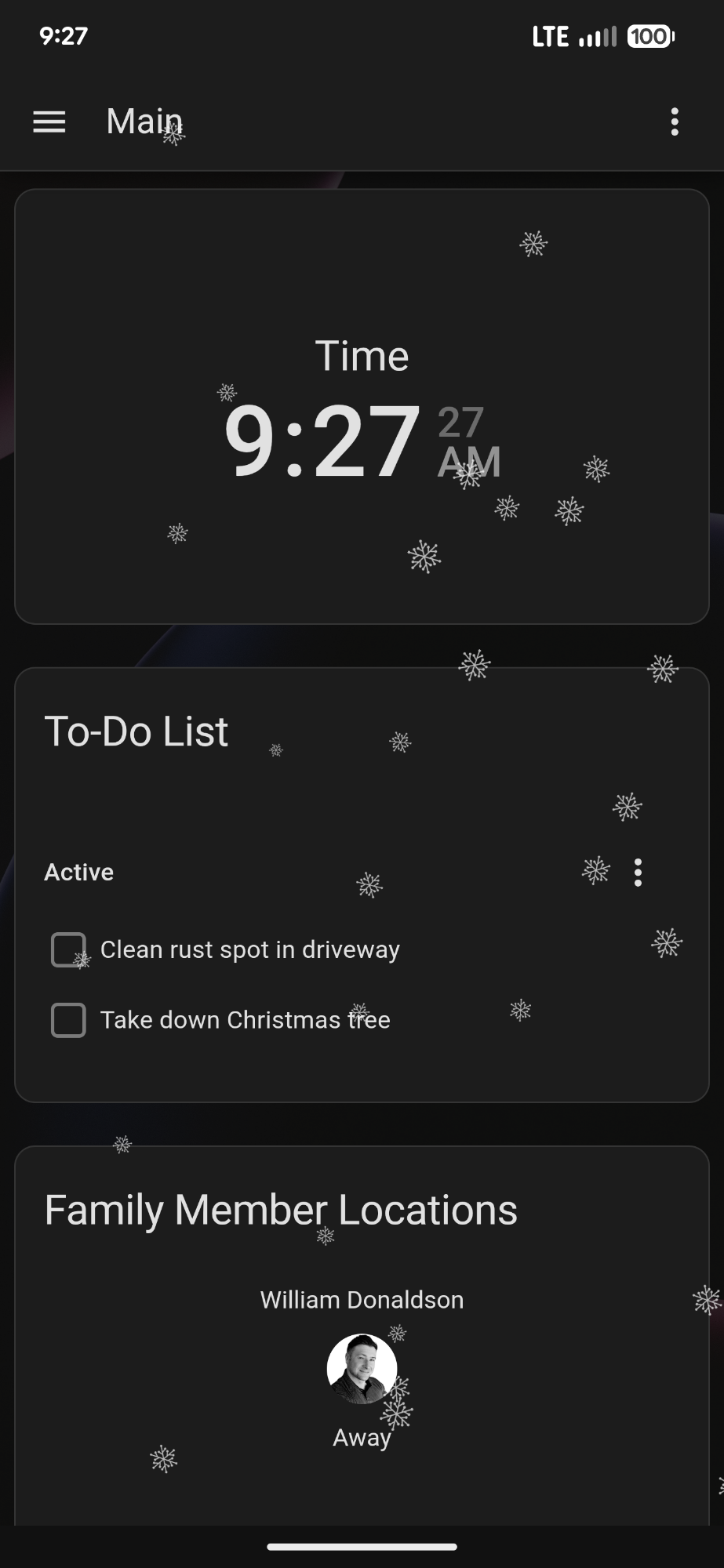
There are still tons of things to do, such as add everything to newly-made dashboards (got most done), set up automations, and possibly add a few more sensors (garage door tilt sensor, but since I have a smart garage door, this probably isn’t needed), air quality devices in the same rooms as the temp sensors, install the door/window sensors (front/interior garage door, but again, these are already covered with motion sensors and cameras), and set up all of the different integrations such as my UniFi and Nest equipment. I did manage to get my Roborock vacuum synced up, allowing me to view its status, battery level, and initiate cleaning or mopping routines.
Overall, it was an enjoyable project, and like everything with Zigbee devices, installations were a breeze! Onto the next upgrade!
Categories: Networks


