


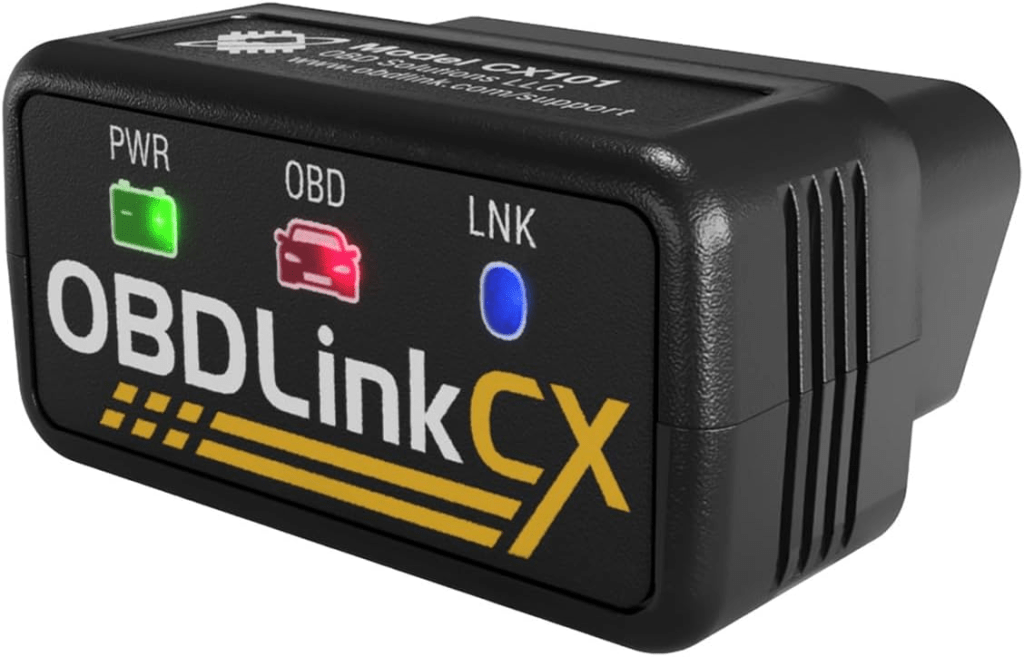
When I first started experimenting with coding options on my 2017 BMW 750i xDrive, I bought a cheap Bluetooth OBD2 adapter just to see what was possible. It worked well enough for basic diagnostics, but I quickly ran into a limitation: it couldn’t access some of the deeper coding functions in the car.
The biggest feature I wanted to enable was the hidden Sport+ driving mode. After some research and digging through BMW forums, I discovered that not all OBD adapters support the required protocols for deeper BMW coding. The BimmerCode developers specifically recommend the OBDLink CX, which is designed for BMW and Mini vehicles and supports faster and more stable connections.
So I ordered one.
Interestingly, this adapter originally started out as a birthday gift for my dad, who owns a 2002 BMW 330i Convertible. Unfortunately, during setup, we ran into a roadblock: his work phone blocks unauthorized Bluetooth devices due to corporate security policies. Until he officially retires and those restrictions disappear, the adapter has temporarily been reassigned to my 7-Series for testing.
Lucky me.
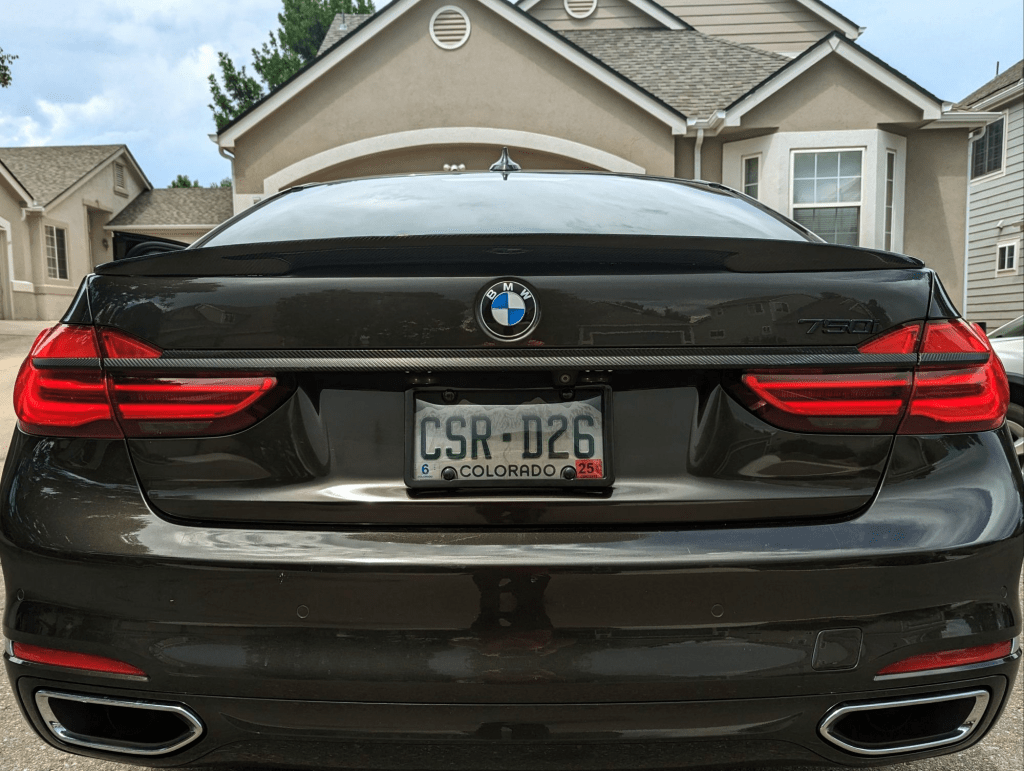
Installing the OBDLink CX
The installation process was extremely simple and took less than a minute.
- Locate the OBD2 port under the dashboard on the driver’s side.
- Plug in the OBDLink CX adapter.
- Turn the car to accessory mode (engine not required).
- Connect to the adapter via Bluetooth in the BimmerCode app.
Compared to the cheaper Veepeak adapter I initially used, the process was identical, but the connection was noticeably faster and more stable.
Coding Sport+ Mode
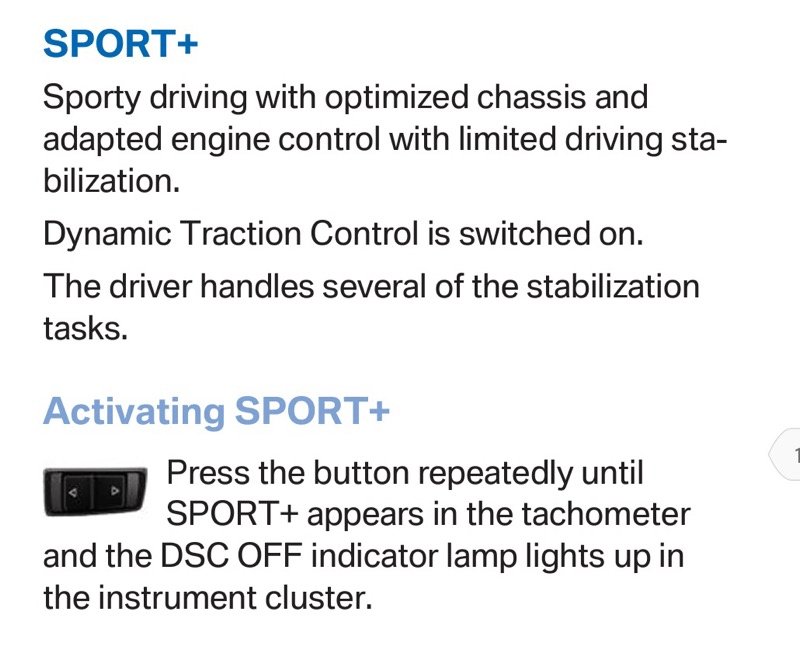
With the adapter connected, I used BimmerCode to enable the hidden Sport+ driving mode. This mode increases throttle response, sharpens transmission behavior, and loosens traction control for a more aggressive driving experience.
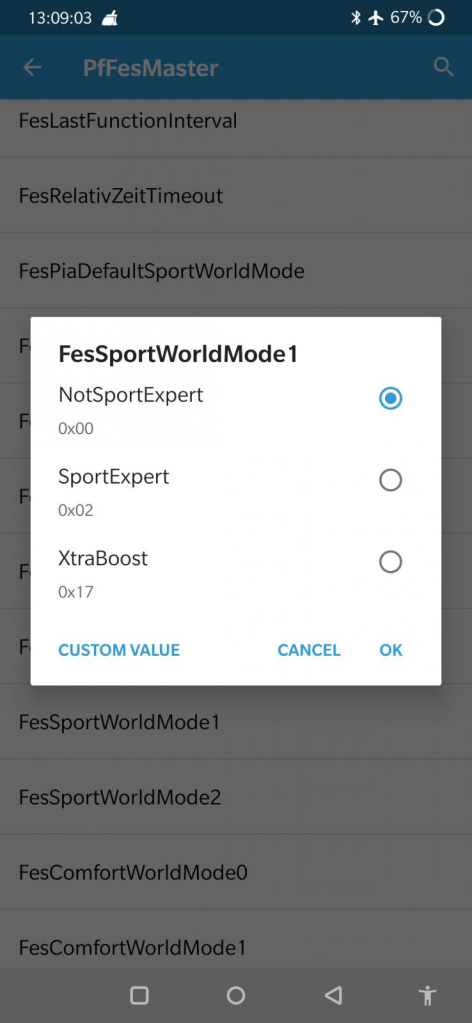
To enable it, two settings must be changed in the vehicle’s control modules.
Required Coding (via BimmerCode)
Module: HU_NBT2
FES_SPORT_EXPERT → aktiv
Module: BDC_BODY2
FesSportWorldMode1 → SportExpert
Once these values are written to the vehicle, Sport+ becomes available in the driving mode system.
Pictures of both of these settings are located further down the post.
Activating Sport+ After Coding
After the coding changes are complete, the mode can be activated in several ways depending on the driving configuration.
Method 1 — Sport Button Toggle
Press the Sport button in the center console twice.
This cycles:
Sport → Sport+
Method 2 — Gear Lever
Move the gear selector to the left (M/S mode) and press the Sport button.
Method 3 — Traction Control Button
On some models, holding the DSC / traction control button for several seconds activates Sport+ behavior.
Additional Coding: Default Startup Mode
While I was already connected to the car, I also made a small but useful tweak.
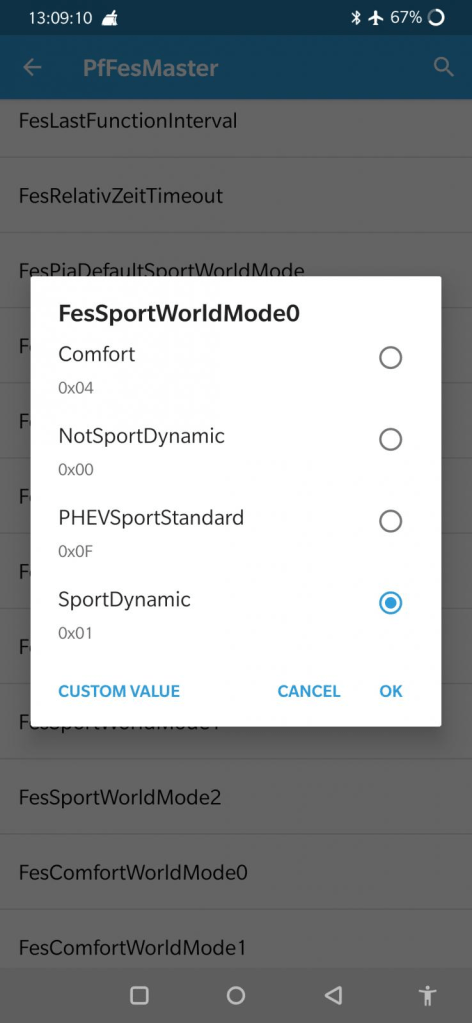
I set the default startup driving mode to Sport.
By default, BMW vehicles typically start in Comfort mode, which constantly adjusts suspension height and damping depending on the driving mode selected.
Since I drive in Sport most of the time anyway, setting it as the default:
- Reduces the need to switch modes every time I start the car
- Keeps the suspension in a consistent state
- May reduce unnecessary cycling of the air suspension system
Time will tell whether it has a measurable impact, but it’s a small convenience that makes the car feel more tailored to my driving style.
The Apps I Use: BimmerCode and BimmerLink
To work with BMW software and diagnostics, I primarily use two mobile apps that connect through the OBD adapter.
Together, they provide a surprisingly powerful toolkit for BMW owners.
BimmerLink
Overview
BimmerLink is primarily a diagnostics and monitoring tool for BMW vehicles. It allows you to access real-time data and system information that normally requires dealer-level software.
What It Can Do
- Read and clear fault codes
- Monitor live engine data
- Track transmission status
- Display fuel system data
- Monitor battery health
- Disable or adjust Active Sound Design (ASD)
- Check system statuses like DPF (Diesel Particulate Filter) on diesel models
Cost
- App license: $39.99
- OBD adapter: $40–$80
Performance Benefits
While BimmerLink doesn’t directly modify performance parameters, it allows you to:
- Identify issues before they become major problems
- Disable Active Sound Design, which removes artificial engine noise played through the speakers
- Monitor system health in real time
Strengths
- Powerful diagnostics
- Live vehicle telemetry
- Works seamlessly with BimmerCode
Weaknesses
- Limited customization capabilities
BimmerCode
Overview
BimmerCode is where the fun begins.
It allows owners to unlock hidden features and customize vehicle behavior by modifying configuration settings stored in BMW control modules.
What It Can Do
Examples include:
- Enable Sport+ mode
- Customize lighting behavior
- Modify iDrive startup animations
- Change digital speedometer displays
- Adjust auto-lock settings
- Disable seatbelt warnings
- Enable video in motion
- Customize welcome lighting
Cost
- App license: $39.99
- Compatible OBD adapter: $40–$80
Performance Improvements
While BimmerCode doesn’t alter engine tuning directly, it allows enabling modes that affect driving behavior, including:
- Sport+ mode
- More aggressive transmission shift logic
- Adjustments to adaptive suspension behavior
Strengths
- Very beginner-friendly
- Excellent documentation
- Wide compatibility across BMW models
- Safe “backup coding” in case you need to revert changes
Weaknesses
- Limited to software configuration changes
- Cannot perform ECU tuning or horsepower upgrades
Final Thoughts on the OBDLink CX
So far, the OBDLink CX has been a noticeable improvement over the cheaper adapter I started with.
Key advantages include:
- Faster connection speeds
- Reliable Bluetooth communication
- Better compatibility with BMW control modules
- Official recommendation from the BimmerCode developers
For anyone interested in BMW coding, diagnostics, or unlocking hidden features, it’s a small investment that opens up a surprising amount of functionality.
And until my dad retires and claims his birthday present back, I’ll happily keep testing it out in the Project Sport Limo.
Categories: Random Thoughts


 Securing The Universe