


If you have been following my new network build for my house, you will know I have been tinkering around with everything to find the optimal placements and configurations for the various UniFi Wi-Fi 7 devices I have. At the moment, I have a E7 and a U7 In-Wall, with the U7 currently not running as I found that the E7 was enough to spread coverage when placed inside the utility room under the stairs right in the middle of the house. Thankfully with the home’s open-floor design, AP coverage is quite easy to adapt for. While I am now satisfied with speeds, there is always room for improvement! Enter the next piece of the puzzle, a UniFi U7 Pro access point.
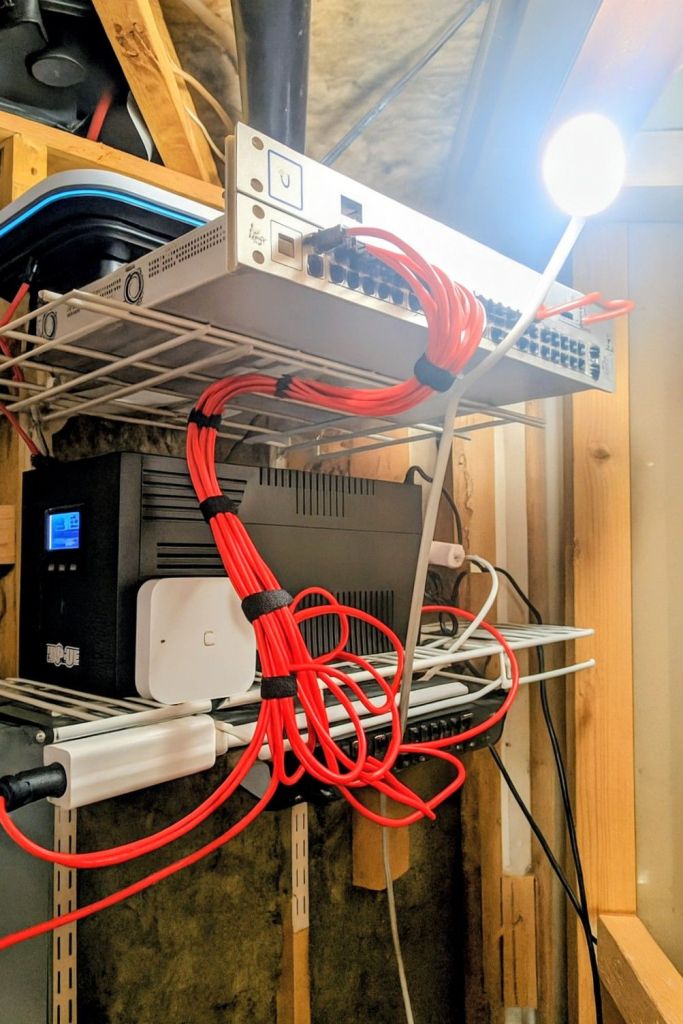
Before this rollout, I was utilizing a three-node NETGEAR NIGHTHAWK MR/MS80 mesh system, with one node on each floor, wired together with CAT6. I really liked having a device on each floor, so this new U7 Pro will allow me to do this, and this time, spread the amazingness of Wi-Fi 7 around. So, I am thinking that the E7 will stay in the basement on top of my ‘rack’ but will be faced more towards the basement than upward facing like it is at the moment. Then, I think I will throw the U7 Pro in the middle floor, powered by the 8-port switch in the entryway, and then the U7 In-Wall upstairs to replace the 8-port switch that is there currently (the In-Wall has enough additional outlets to still connect to the PC upstairs).

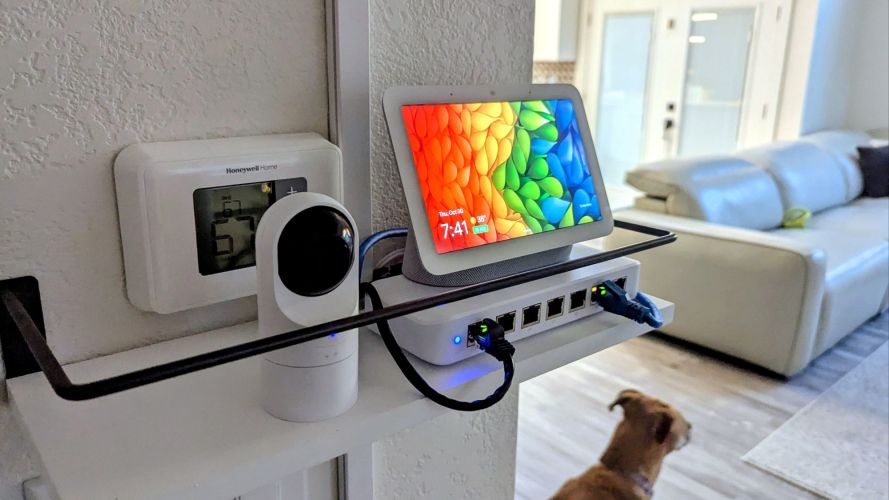
At the moment, there really isn’t anyone in the top floor, but any future visitors will experience excellent speeds. Adding yet another AP to this mix, after I have found that removing the In-Wall to be better, is a risk, but I believe it will just take some work to get the APs balanced right regarding channels and power delivery. While I just placed the order for the U7 Pro, it looks like it will arrive in a few hours (love Amazon), so I will get a full review going tomorrow. Since I use U7 Pro’s at work quite often, I figure I would share some thoughts on the product, as well as share some tips on setup, configuration, and potential improvements.
UniFi U7 Pro Access Point
Overview
The UniFi U7 Pro is Ubiquiti’s tri-band Wi-Fi 7 (802.11be) access point targeted at both advanced home networks and business environments. It supports the 2.4 GHz, 5 GHz and 6 GHz bands, features a 2.5 Gb Ethernet PoE + uplink, and is designed for ceiling or wall mounting.
It integrates into the UniFi ecosystem, meaning you can adopt it in the UniFi Network Controller or App along with other UniFi gear.
In short: If you’re preparing for modern device loads, high-density usage or simply want a future-proof wireless setup, the U7 Pro is a strong contender.
Key Features & Specifications
Here are some of the standout specs you’ll want to know:
- Wi-Fi standard: 802.11be (Wi-Fi 7) tri-band (2.4 GHz + 5 GHz + 6 GHz).
- Uplink: 2.5 Gb/s RJ-45 PoE+ port.
- Mounting: Wall or ceiling (hardware included).
- Target environment: Offices or busy homes with many devices; high client density.
- Real-world performance numbers: For example, testing shows interior short-range speeds averaged ~609 Mbps on 5 GHz and ~1,133 Mbps on 6 GHz in a wireless backhaul configuration.
What Works Well
Strong points include:
- Future-proofing: By supporting Wi-Fi 7, tri-band, and a 2.5 Gb uplink, the U7 Pro is ahead of many older access points. For example, one installer called it “a smart, future-proof investment.”
- Coverage & capacity: In real-world tests, the AP performed very well in challenging layouts (e.g., large offices or odd shapes) and handled many devices without dropping.
- Mounting flexibility & design: Wall or ceiling, clean aesthetic, compact enough for many installations.
- Integration in UniFi ecosystem: If you already have or plan to use UniFi Network / UniFi controllers, this AP slots in seamlessly. Setup is straightforward for someone comfortable with the UniFi stack.
Where It’s Less Than Perfect
Some drawbacks to keep in mind:
- 2.5 Gb uplink is good—but not top tier: While 2.5 Gb is a solid upgrade over 1 Gb, if you have ultra-high wired backhaul or many aggregated devices you might bump into the uplink ceiling. Some flagship models offer 10 Gb.
- Dependence on environment and network design: In mesh (wireless backhaul) configurations, performance dropped compared with wired backhaul. One lab test noted “a measurable … speed penalty” when used in wireless backhaul mode.
- Cost and power requirements: Installation may require PoE+ capable switch or injector, and mounting on wall/ceiling may not suit every environment (especially in rental homes). Some users flagged that as a deployment consideration.
- Feature caveats: At launch some newer Wi-Fi 7 features like MLO (multi-link operation) or advanced spectrum scanning may not yet be fully supported or require firmware updates.
Who Should Buy It? Who Might Wait?
Great fit for:
- Medium to large homes or offices where wireless density is high (many clients, many smart devices).
- Installations where wall or ceiling mounting is acceptable and PoE infrastructure is available.
- Users already invested in the UniFi ecosystem who want to upgrade to Wi-Fi 7 now.
- Future-looking setups where you don’t want to replace the AP again for many years.
Might reconsider / wait if:
- Your home is small, you have few devices, and your needs are modest (a simpler Wi-Fi 6 or Wi-Fi 6E AP may suffice).
- You don’t have PoE infrastructure or you rent and cannot mount or hardwire easily.
- You require full 10 Gb uplink throughput and want the absolute top tier (there are higher models).
- You want plug-and-play simplicity and don’t anticipate controlling your network via a UniFi controller.
Here’s a comparative review of three access-points from UniFi — the UniFi U7 Pro, UniFi E7, and UniFi U7 In-Wall — looking at key specs, use-cases, and how they stack up against each other.
Quick Spec Comparison
| Model | Wi-Fi Bands / Spatial Streams | Uplink / Ports | Typical Target Deployments |
|---|---|---|---|
| U7 Pro | Wi-Fi 7 (802.11be) tri-band (2.4 GHz + 5 GHz + 6 GHz) with 6 spatial streams (as per the official spec) | 1×(1/2.5 Gb) RJ-45 PoE+ | High-performance home or office ceiling/wall mount installations where you want tri-band Wi-Fi 7 and future-proofing. |
| E7 | Wi-Fi 7, enterprise-grade: tri-band (2.4 GHz / 5 GHz / 6 GHz) with 10-stream (or “10-stream WiFi 7”) performance per spec. | 1×10 Gb RJ-45 + 1×1 Gb RJ-45 (“redundant”) PoE++ | Premium / enterprise deployments: large area coverage, many concurrent clients, high backhaul throughput demands. |
| U7 In-Wall | Wi-Fi 7 (802.11be) dual-band (2.4 GHz + 5 GHz) with 4 spatial streams (note: no 6 GHz band) | Integrated 2.5 GbE PoE input + a 2.5 GbE PoE output port (i.e., pass-through) | Wall-mounted (in-wall) installations (e.g., hospitality, condos, rooms) where you want discreet mounting and still Wi-Fi 7 performance but maybe less extreme than enterprise. |
How They Compare & What That Means
1. Performance & features
- The E7 sits at the top of the heap: “10-stream Wi-Fi 7”, 10 Gb uplink, aimed at enterprise. For example, reviewers say it “has everything… justify its cost” and is “the first full-featured Wi-Fi 7 indoor access point” from UniFi.
- The U7 Pro offers very strong Wi-Fi 7 tri-band performance for its class, but its uplink (2.5 Gb) and spatial streams are less than the E7. For instance the datasheet lists only “1/2.5 GbE RJ45 port” for uplink.
- The U7 In-Wall is more of a “lighter” deployment: it omits the 6 GHz band (so not full tri-band) but gains in wiring convenience (PoE pass-through, 2.5 Gb ports) and discreet mounting. Per spec: “Wall-mounted Wi-Fi 7 AP with 4 spatial streams and an integrated 2.5 GbE PoE switch.”
- In short: If you want highest capacity & uplink, go E7; if you want strong home/office Wi-Fi with tri-band but moderate uplink, U7 Pro; if you need wall/in-room install with simpler wiring and the 6GHz band is less critical, U7 In-Wall.
2. Deployment / environment fit
- E7: Enterprise, dense client loads, many access points, large coverage or many rooms, perhaps wired infrastructure supports 10 Gb uplink. If you have many concurrent clients (100s) and require high performance.
- U7 Pro: Prosumer / small-medium business / advanced home. You have good wired infrastructure (2.5 Gb), you want WiFi 7 tri-band, and you’re mounting on ceiling or wall.
- U7 In-Wall: Best when you mount in a wall box (e.g., hotel room, condo, bedroom), maybe you don’t want ceiling installation, you value aesthetics and simplicity, and perhaps you are okay without 6GHz or extreme performance.
3. Cost / value trade-offs
- The E7 is more expensive (enterprise class). The U7 Pro offers a very good ratio of features to cost (for tri-band Wi-Fi 7). The U7 In-Wall offers a more budget-friendly Wi-Fi 7 option, albeit with some limitations (no 6GHz band). For example, one review: “The U7 In-Wall Access Point represents a significant advancement… but is in a smaller, simpler package”
- Also wiring / PoE requirements matter: the E7 uses PoE++, which might require more capable switch/injector; the U7 Pro uses PoE+; the U7 In-Wall includes pass-through PoE which may simplify wiring for downstream devices.
4. Limitations / things to watch
- With the U7 Pro: although tri-band and WiFi 7 enabled, uplink is only 1/2.5 Gb. If your network backbone is 10 Gb and you expect very heavy aggregated throughput, this uplink could become a bottleneck.
- With the U7 In-Wall: since it is dual-band (no 6 GHz), you lose some of the “full Wi-Fi 7” benefit (6GHz helps avoid interference, gives more spectrum). One review mentioned that: “While these new models lack 6 GHz support … they are less suitable in high-density environments” referring to that class.
- With the E7: you may be “over-investing” if you use it in a small home with few devices and your wired backhaul is only 1 Gb — you won’t see all its potential. Also higher cost and maybe more complexity in mounting, cooling etc.
My Recommendation: Which to Choose Based on Your Use-Case
- If you have a large home, many devices (smart home, video streaming, many users), wired backhaul at ≥2.5 Gb, and want to future-proof: go U7 Pro — high value, tri-band Wi-Fi 7.
- If you run a business, have many clients, shared spaces, wired backhaul at 10 Gb, and want top tier performance / enterprise features (redundancy, advanced analytics): go E7.
- If you’re installing in a more constrained scenario (hotel room, wall box, condo) where aesthetics matter, maybe only 2.5 Gb uplink, less need for 6GHz, and mounting on wall desired: go U7 In-Wall.
My Verdict
The UniFi U7 Pro is a very strong access point—especially if you’re upgrading for performance, capacity, and longevity. For its price and its spec-set, it offers excellent value in the Wi-Fi 7 space.
However, it’s not entirely “plug-and-forget” in the sense of a consumer router you slap on a shelf and never touch again. Successful deployment depends on good placement, proper PoE setup, and in many cases integration into a managed network environment. With that said, if you check those boxes and want serious wireless capability, the U7 Pro is one of the better choices in 2025.
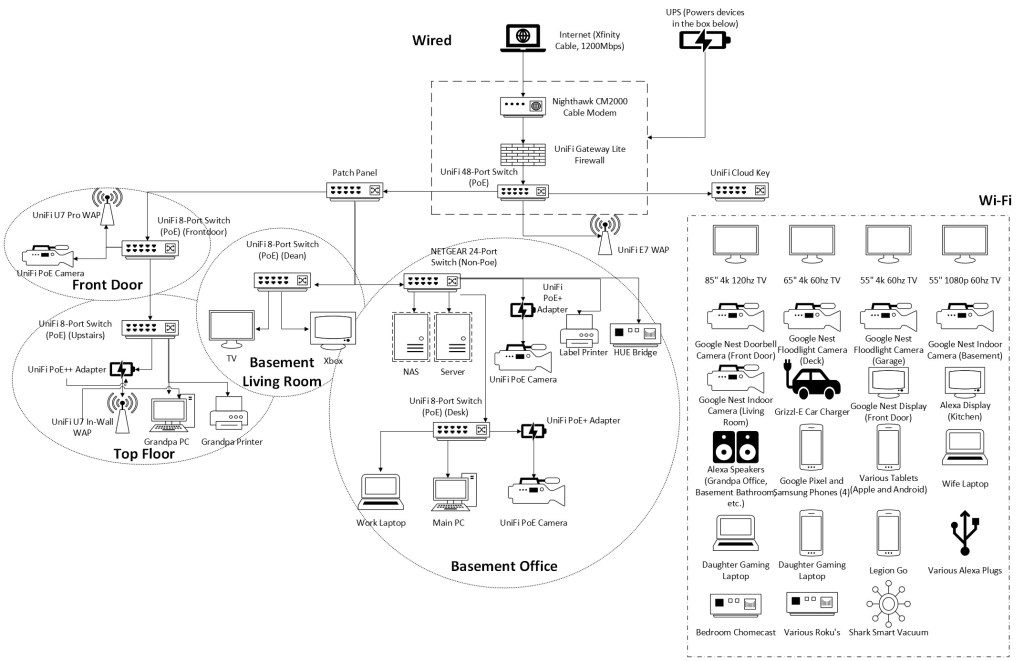
New Network Diagram
While I am just planning this at the moment, this is the updated diagram for what I think will be the best layout. Let me know what you think!
Update 11/6/25
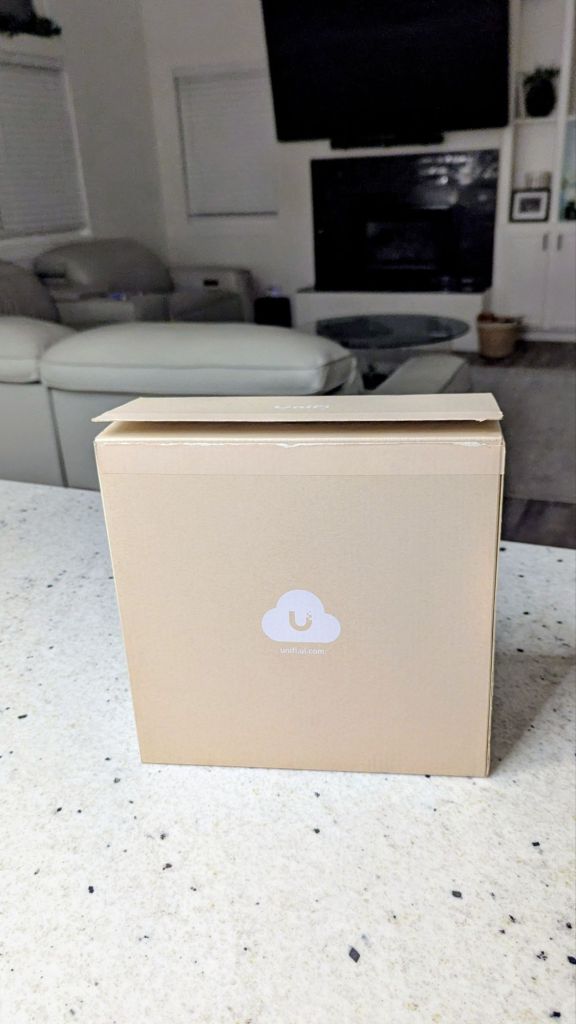
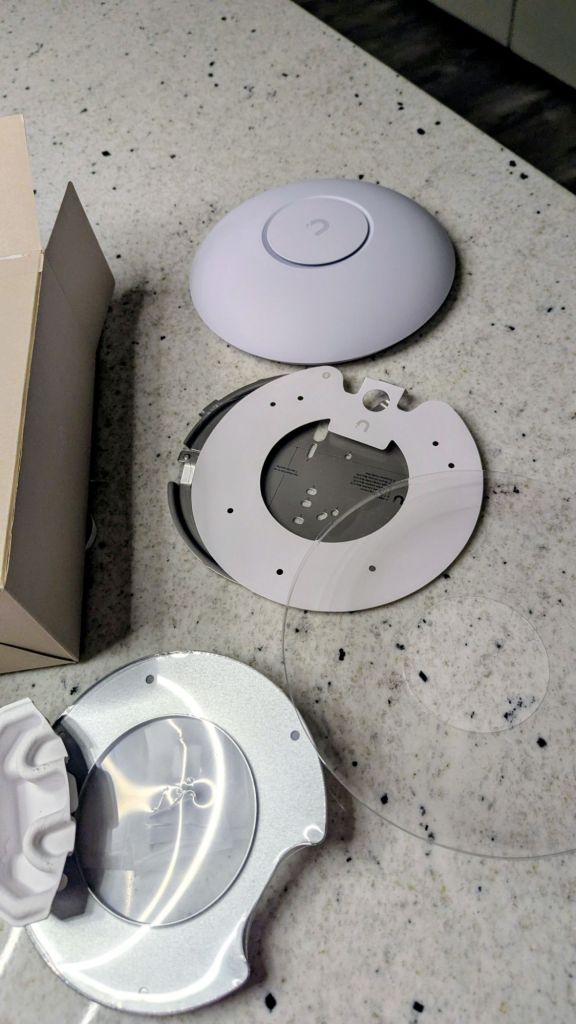
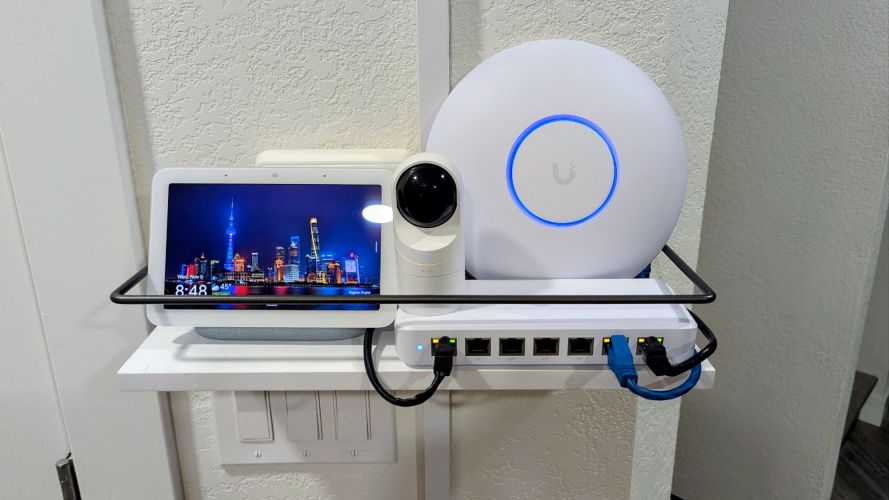
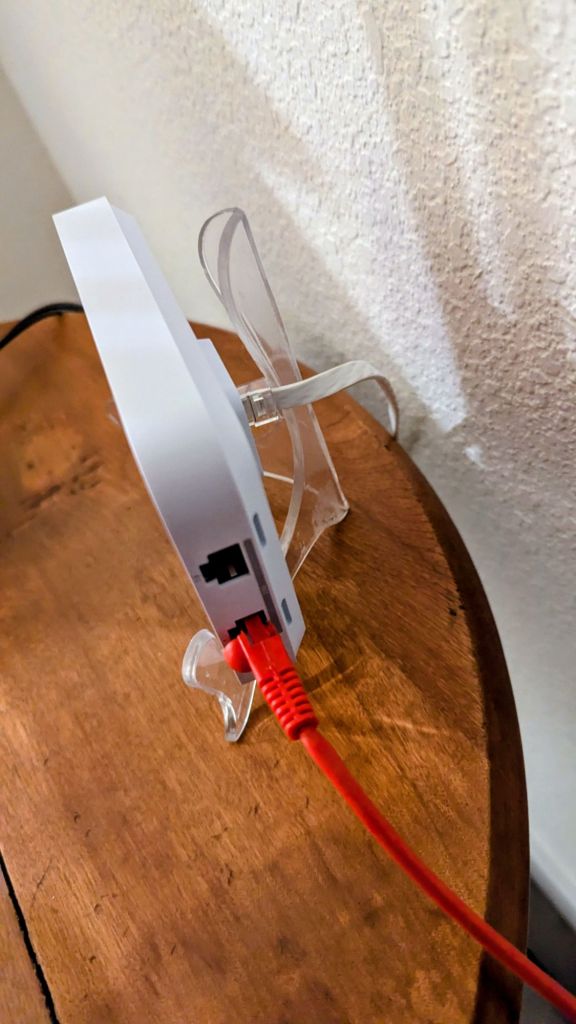
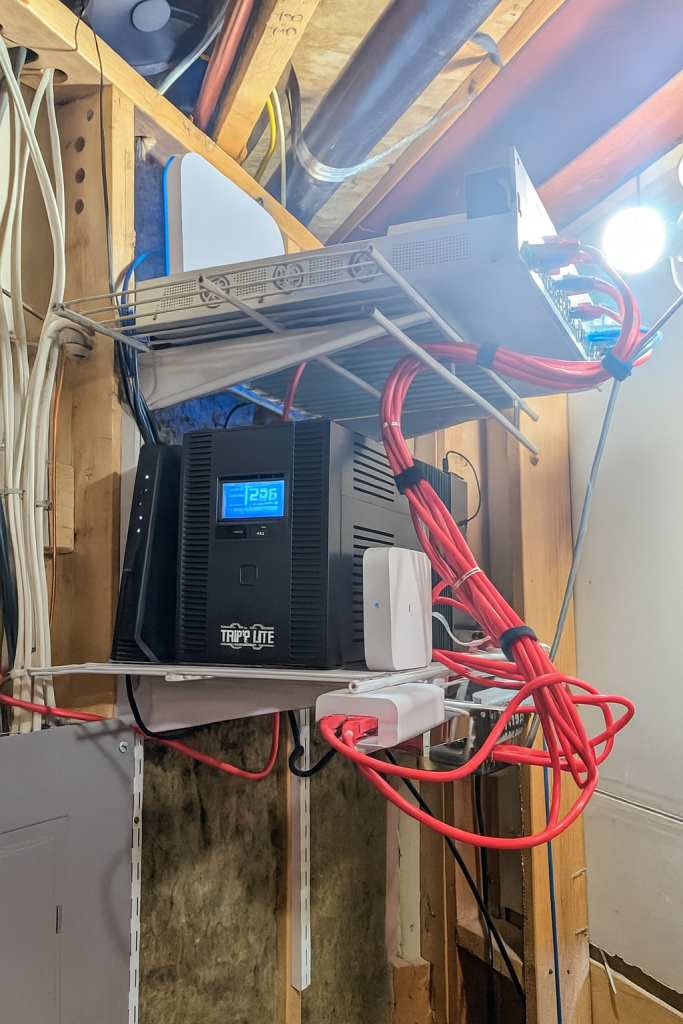
The new U7 Pro arrived late last night, and I got everything installed (much to the despise of the wife). I opted to throw the U7 Pro in the entryway on top of the PoE switch, and I reinstalled the U7 In-Wall upstairs, replacing the PoE switch that was there, which ended up replacing the last non-UniFi switch that I have, a NETGEAR 24-port non-PoE, in my office ‘rack.’ I have 5/6G broadcasting on the U7 Pro and E7, and decided to use the U7 In-Wall, a lower-powered device comparatively, to handle just the 2.4G devices (Nest cameras, Alexa devices, etc.)
I then changed the firing position of the E7 in my basement to face towards that floor and not firing upwards as before. The U7 Pro seems to give about the same speeds of the E7 but is not able to handle as many clients, which is not a problem for me in a home environment; this just solidifies my original thought that the E7 was overpowered for my application, but that isn’t really shocking for a $500 access point.
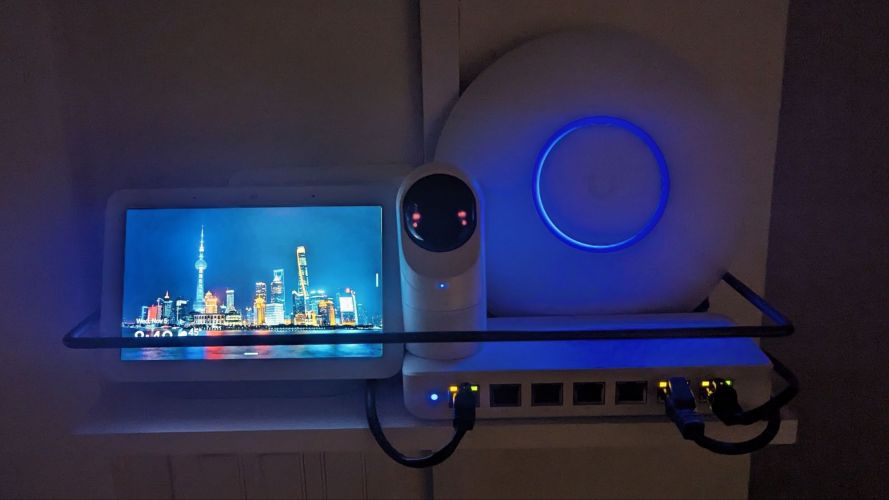
So, I now have a full UniFi system, an entire house finally protected with a firewall (was just on my office network before), and I have an access point on each floor, all providing a much-needed upgrade. I am now in one ecosystem which does not require fees to access features (cough, NETGEAR), have enhanced visibility of what my kids are looking at online, and now have battery backup abilities. Some excellent progress for just a little money spent (got lucky with Facebook marketplace. For example, the 3 added UniFi 8-port switches were got for a bargain, and the E7 Pro was partially paid for with a gift card.
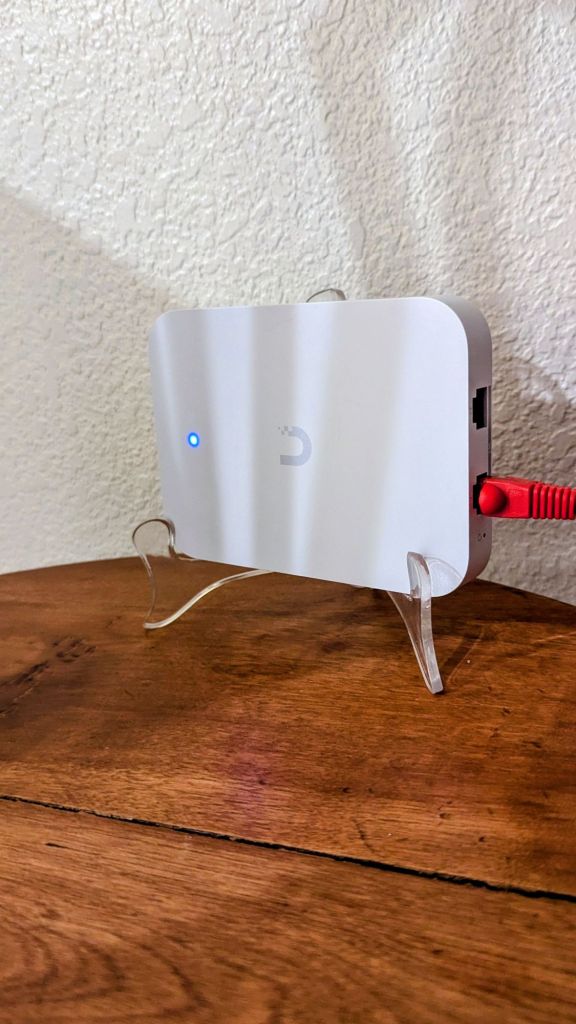
There are a few things I could do to improve this network, such as actually mounting the access points in a higher position, utilizing the surge protection of the UPS to cover ethernet and coax, fixing the plugs on the UPS to actually be in the outlets that provide battery backup (lol), possibly moving the U7 Pro upstairs to separate the 2 5/6G AP devices a bit more and moving the U7 In-Wall to the entryway, finding the cause for my entryway switch showing as FE and not GbE (may be the patch panel, I didn’t have a crimper, so just used a screwdriver), segmenting the network into separate VLANS for each type of device, and some fine tuning of everything. Some projects never end, but I think I am getting near to being satisfied. Pulling constant 900-1200Mbps download speeds as I walk around the house on a mere cable ISP is something; I can’t imagine the performance if they finally allow fiber in my HoA neighborhood. One can pray!
Categories: Reviews


 Securing The Universe