


With the recent move to Colorado, I have now finished most of the new home network and office/lab projects and can now turn my attention to designing the physical security and surveillance system. In my old house, I went with ADT due to a deal that was presented to me at the time, and you can find more of the info on that system here. The previous system included a Qolsys IQ Panel 2, Qolsys IQ Motion, Qolsys Mini DW-S, Qolsys IQ Smoke, SkyBell Slim Video Doorbell, and a Vivotek IB8360-w Wireless Mini Bullet Network Camera.

I will not be going with ADT at the new house, and will instead utilize Google’s Nest hardware for the home, and then UniFi hardware for my office.
For my office, I already have a UniFi Cloud Key Gen 2 for managing and storing video, UniFi UXG Lite for a firewall/gateway, UniFi 48-port PoE switch, and plenty of UniFi APs to extend coverage. I also have two G3 Flex cameras that I got for free. One camera will cover my office’s interior (which is secured using a PIN-protected deadbolt), and the other is installed covering the office’s egress window.
Fun fact: My wife and I consider ourselves preppers; due to this, my office contains years of food supplies (for a family of 4), survival gear, and tactical equipment. So, as this office would end up being a safe/panic room, having a separate network would be ideal as I can power the network off of a generator (TBD) or solar (have a small back-up system already), ensuring that my security system stays active even during power outages while leaving the home network down to save on electrical usage.
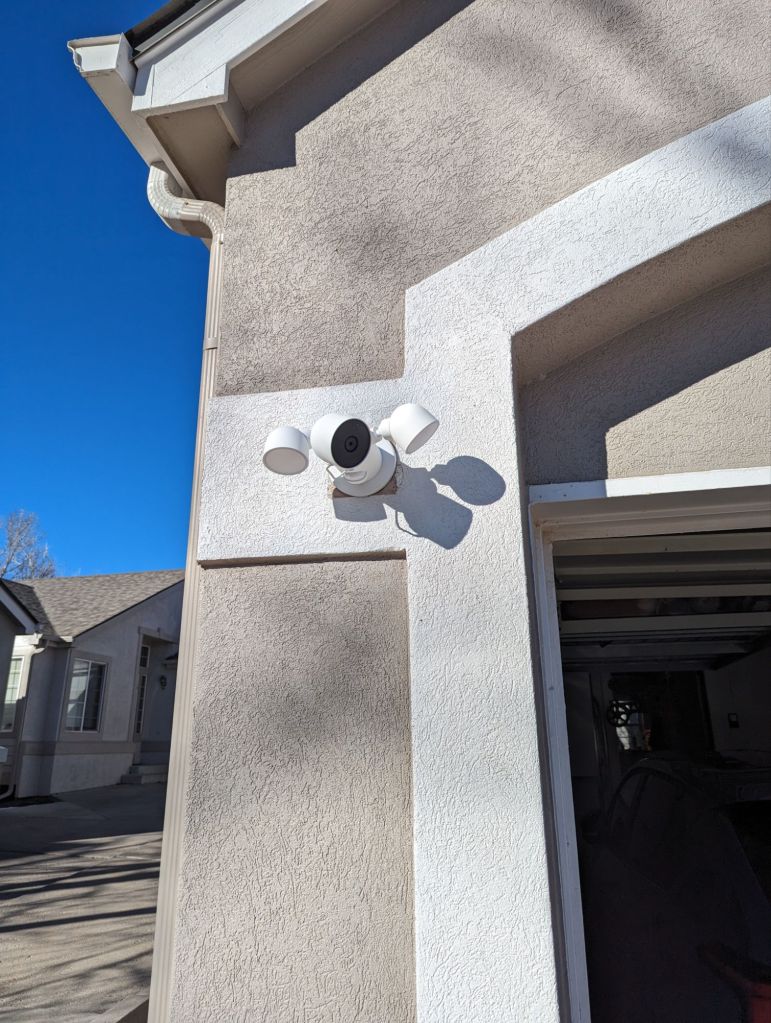
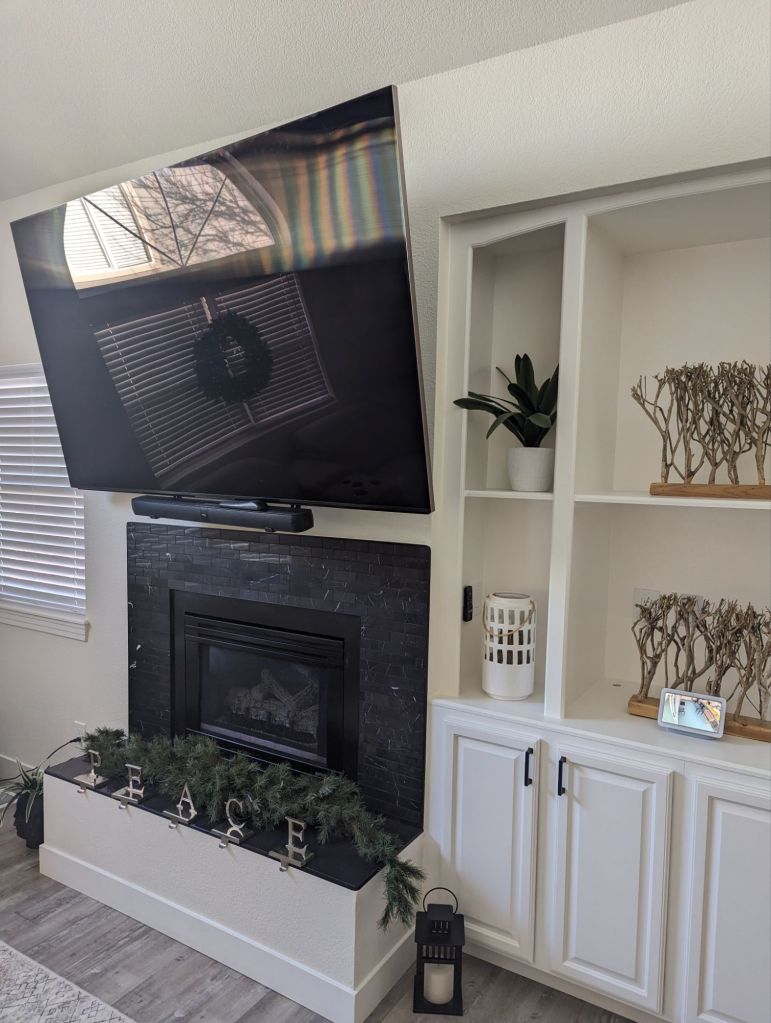
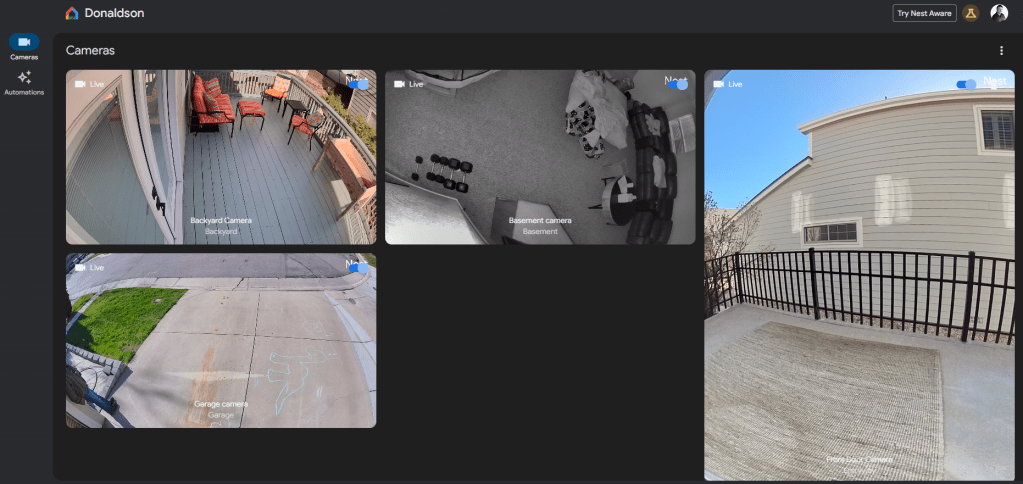
For the rest of the home, I will be trying Google’s Nest products, as I have 3 Google TVs, Google Pixel phones, a Google Pixel Watch, Nest Hubs, and other devices that will interface together. Currently, I have installed 2 Nest Floodlight Cameras at the back door (leading to the deck) and above the garage (covering the front of the house), an interior Nest Camera (covering son’s gaming room), as well as a Nest Doorbell (at the front door); all of these link up to various Google devices around the house, such as a Nest Hub close to the front door (to check who is at the door before opening due to not having a peephole). To be honest, I haven’t yet figured out how to view camera footage from my TVs, but not sure if it is even possible. I miss having more free time for projects!
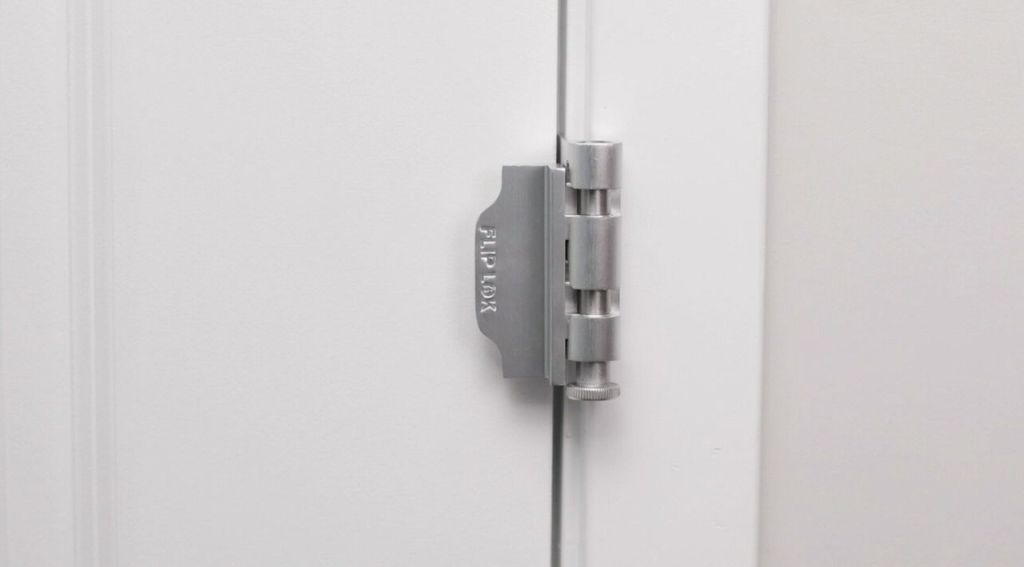
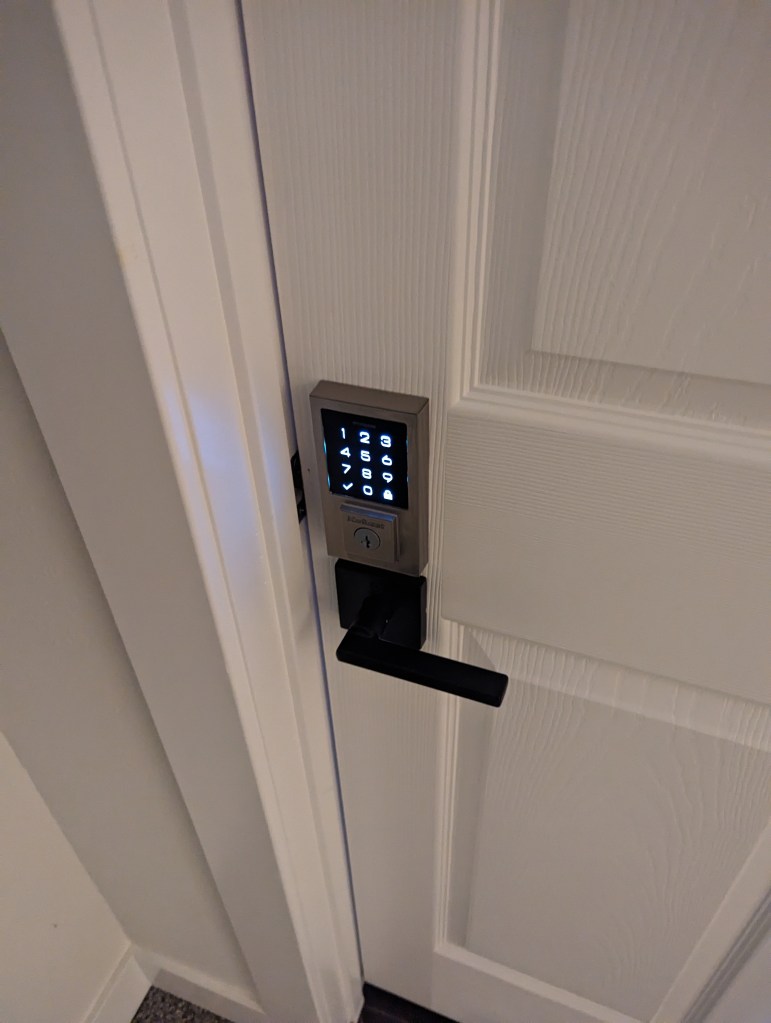
For the physical security-side of things, after upgrading all of the deadbolts/door locks in the house using secure PIN-entry devices, I then added some FlipLok high security door locks, which were added to the top of the door frames; these are quite difficult to bypass (shown below).


Next, I will install a few more Nest outdoor cameras around the house, including one at the front of the house covering the walkway (before the front door) and possibly one on the other side of the house (but this side has no windows, so probably not as big of a deal). I will also look into Nest window/door sensors (if they make any) to each exterior door in the house, and ground-accessible windows. Nest’s thermostat and Protect (smoke/carbon dioxide) are on my list of potential upgrades as well. As Nest’s subscription service’s price just rose dramatically, I may just settle for the cameras’ motion-detection abilities for access control.

Why have two different security systems? Well, with the plan to start my new company relatively soon, I want to ensure I can store confidential data in my office while adhering to HIPAA and other privacy standards. While I don’t know much about Google’s Nest products, I am quite familiar with UniFi’s line, allowing me to effortlessly protect my data and the physical location of the equipment. I also haven’t seen many options for saving access logs and such in Google’s ‘Home’ application, so I am not too confident in its ability to meet HIPAA’s often-strict policies.
At this stage of planning, my physical security layout will be the following:
Home
All devices on Primary Home Wi-Fi Network (NETGEAR Nighthawk Modem and Nighthawk Mesh System w/ 4 Satellites)
2 Nest Hub (Main Floor and Basement Entrances) (1 Installed)
2 Nest Floodlight Camera (Front Garage) (2 Installed)
1 Nest Floodlight Camera (Back Deck) (Installed)
1 Nest Doorbell (Front Door) (Installed)
2 Nest Interior Camera (son’s gaming area and son’s third-floor room) (1 Installed (son’s gaming area))
X Nest Sensors (if they make any) (3 Interior Doors, Multiple Ground-Accessible Windows) (TBD)
1 New Digital PIN-Entry Lock on Front Door (Installed)
1 New Digital PIN-Entry Lock on Garage Door (Installed)
2 FlipLok High Security Door Locks (Front and Back Door) (Installed)
At the moment, I will stay on Nest’s free plan but may opt for increased storage time/amount at some point.
Office
All devices on Office Wi-Fi/Wired Network (UniFi) (Separate from Home)
1 UniFi Cloud Key Gen 2 (1 TB) (Rack) (Installed)
1 UniFi UXG Lite (Rack) (Installed)
1 UniFi US 48-port PoE Switch (Installed)
2 UniFi G3 Flex cameras (Office and Front Door Path (Routed Through Office Window)) (Installed)
1 New Digital PIN-Entry Lock on Front Door (Installed)

New Network Diagram

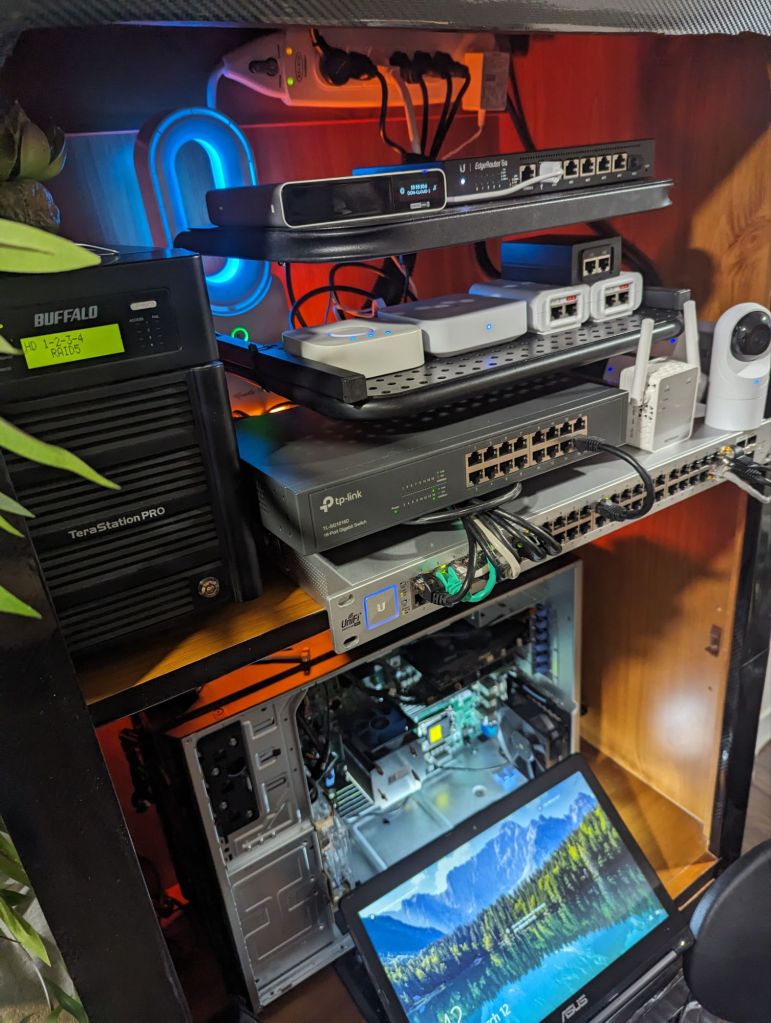
New “Rack” Layout
Categories: Hardware


 Securing The Universe